ERPLI

Short answer: A good abacus certificate has seven things on it: the student's full name, the level passed, the score or grade, the exam date, a certificate number, a signature, and your academy's name and logo. Everything else is decoration. Get those seven right and the certificate works for parents, for schools and for your own records.
A certificate is the one thing from your academy that families frame, post on WhatsApp and show to relatives. That makes it your cheapest piece of advertising. This guide covers what to print, how to make each level look different, and how to stop spending a weekend typing names into Canva after every exam.
What must every abacus certificate show?
| Field | Example | Why it matters |
|---|---|---|
| Student's full name | Priya Sharma | Spell it exactly as on the admission form. Parents notice. |
| Level passed | Level 3 (Junior) | Use the level name parents already hear in class |
| Score or grade | 92/100, Distinction | Lets the child show how well, not only that |
| Exam date | 14 Feb 2026 | Needed when a parent asks for a duplicate |
| Certificate number | FA/26/L3/0142 | Makes copies and fakes easy to spot |
| Signature | Director or head teacher | Shows a real person stands behind it |
| Academy name and logo | Your brand, at the top | This is what relatives see in the photo |
A numbering pattern that works: academy code / year / level / serial. With FA/26/L3/0142, anyone at your front desk can tell the level and year at a glance.
How do you make each level look different?
Children compare certificates. If Level 1 and Level 6 look the same, the higher one feels like less of a reward. Change one or two things per level and keep the rest fixed:
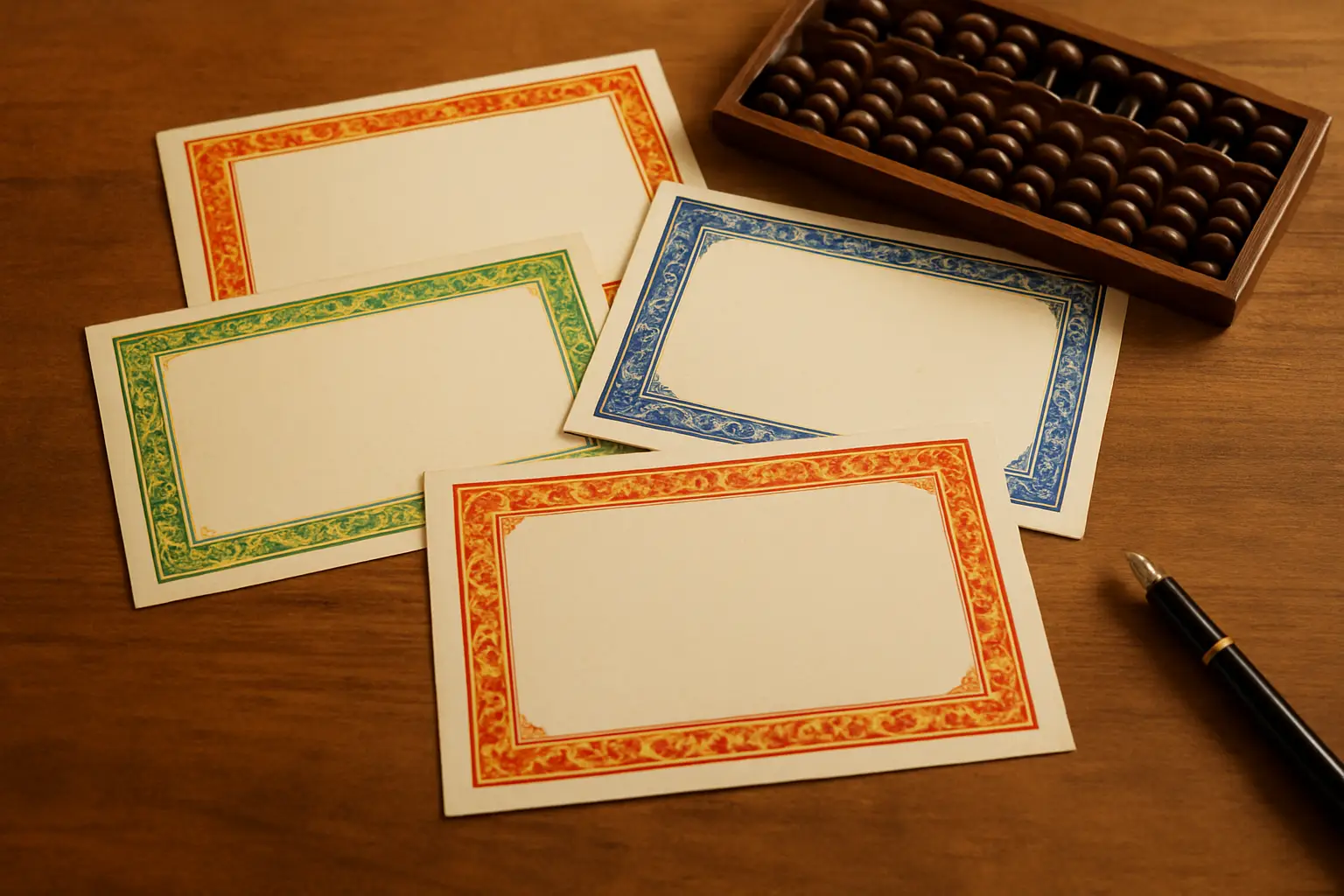
- Border colour by stage. For example, green for Levels 1–2, blue for 3–4, maroon for 5–6, gold for 7 and above.
- One line on the skill learned. "Small friend formulas with 2-digit numbers" says more than "Completed Level 2".
- A seal or ribbon only on the final level. It keeps the top certificate special.
Keep the layout, fonts and logo the same on every level. That is what makes your certificates look like one brand rather than a mix of templates.
What should you leave off?
- "Government recognised" or "ISO certified", unless you hold the paper for it. A parent who checks and finds nothing stops trusting the rest.
- Long paragraphs. One line of achievement text is enough.
- Five different fonts. Use one for the name and one for everything else.
- Clip-art abacus images pulled from Google. They print blurry and may not be free to use.
If your academy is registered (Udyam, a trust or a company), a small registration number in the footer is fine. Put it in small print, not as a headline.
Print or digital, which do parents want?
Both, for different reasons.
| Printed | Digital (PDF or image) | |
|---|---|---|
| Best moment | Annual day or prize distribution | Right after the result, the same day |
| What parents do with it | Frame it at home | Share it on WhatsApp and status |
| Cost | ₹15–₹40 a sheet on good card | Nothing |
| Risk | Typos are costly to reprint | Easy to fix and resend |
A sensible routine: send the digital certificate on result day, while the family is excited, then hand out printed ones at a ceremony. That gives you two moments of word-of-mouth from one exam.
How do you stop making certificates by hand?
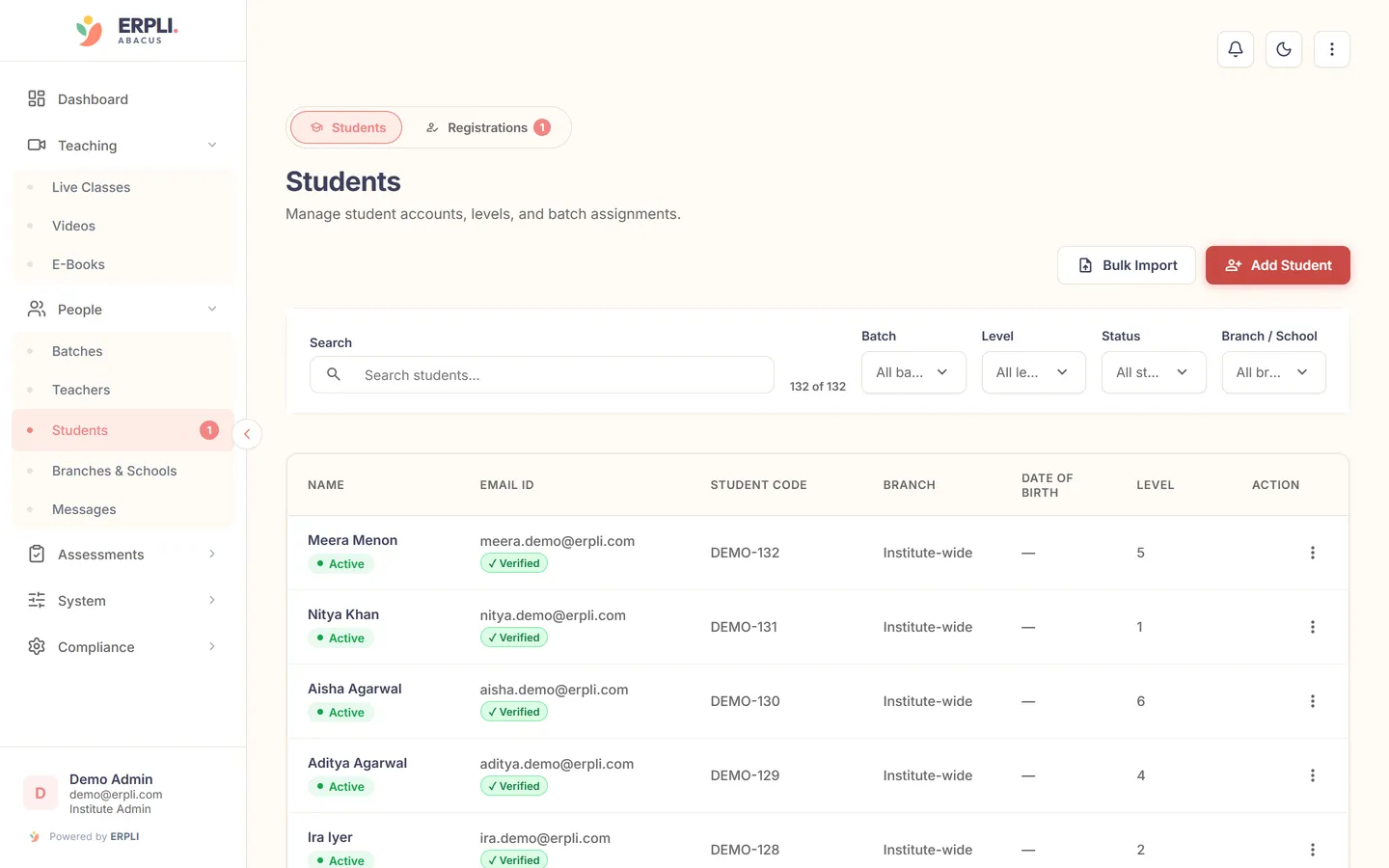
The slow part is not the design. It is typing 60 names, levels and scores after every exam and checking each one for mistakes. Once you have more than one or two batches, that work should come straight from your exam results.
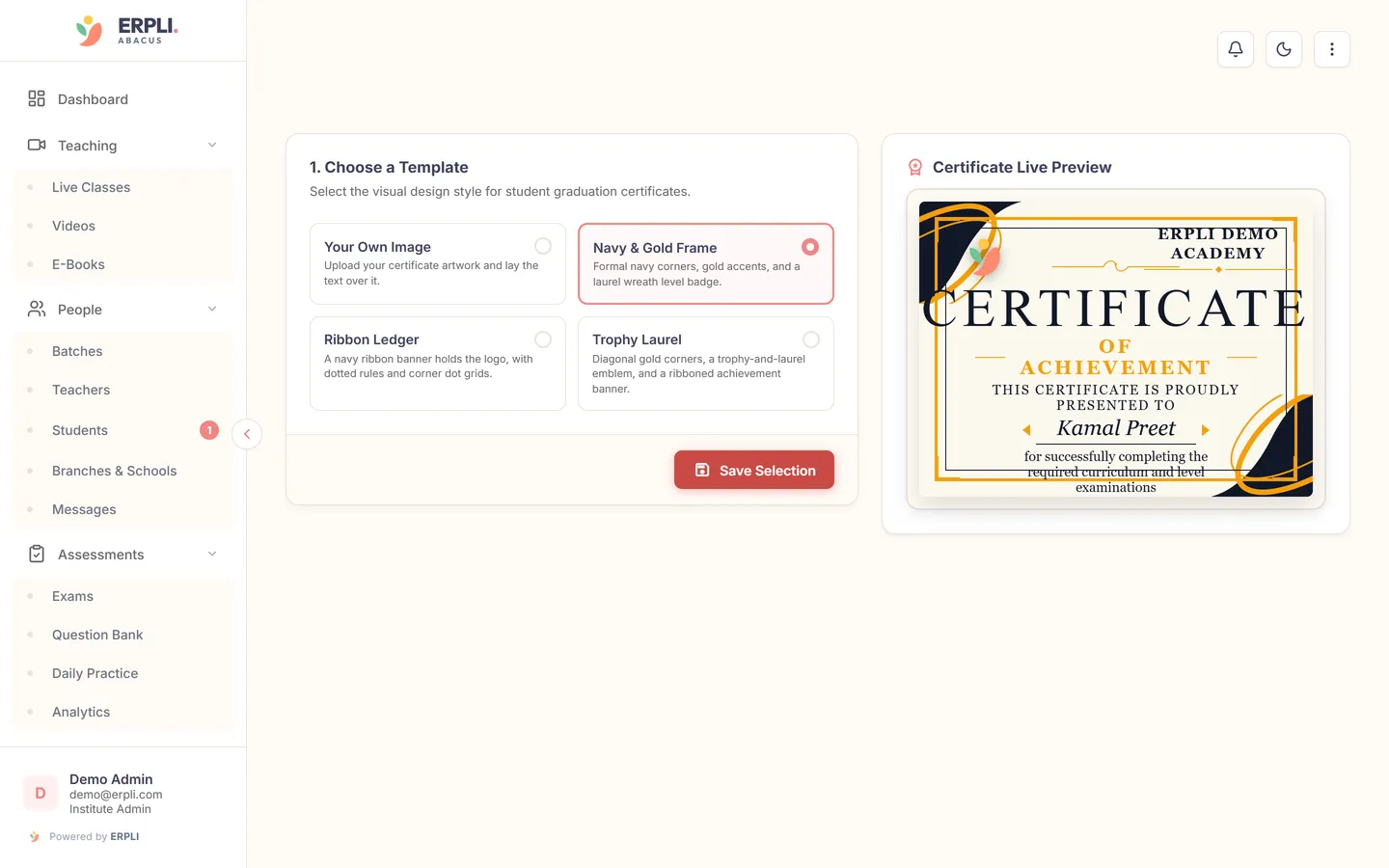
In ERPLI Abacus, certificates are made automatically when a student passes a level exam:
- The name, level, score and date come from the exam result, so there is nothing to retype.
- Your logo, academy name and colours are set once and used on every certificate.
- You pick a template and see a live preview before anything is issued.
- Every issued certificate stays on the student's record, so you can resend a lost one in seconds.
What about franchises and branches?
If you run more than one centre, decide one thing early: whose name goes on top? Most brands put the main brand logo at the top and the centre name in smaller text under the signature. This keeps every certificate in the network looking the same while still telling parents which centre their child attends.
Use the same certificate numbering across centres, with a centre code added (FA/PUN2/26/L3/0142). This makes it easy to check a certificate from any branch. See how ERPLI handles franchise networks.
A quick checklist before you print
- Every name checked against the admission register
- Level names match what you use in class and in your syllabus
- Certificate numbers have no gaps or repeats
- Logo is a high-resolution file, not a WhatsApp image
- One sample printed and checked on the actual card stock
Certificates come with every ERPLI Abacus plan, from ₹50 per student per month and lower for bigger academies. See pricing.