ERPLI
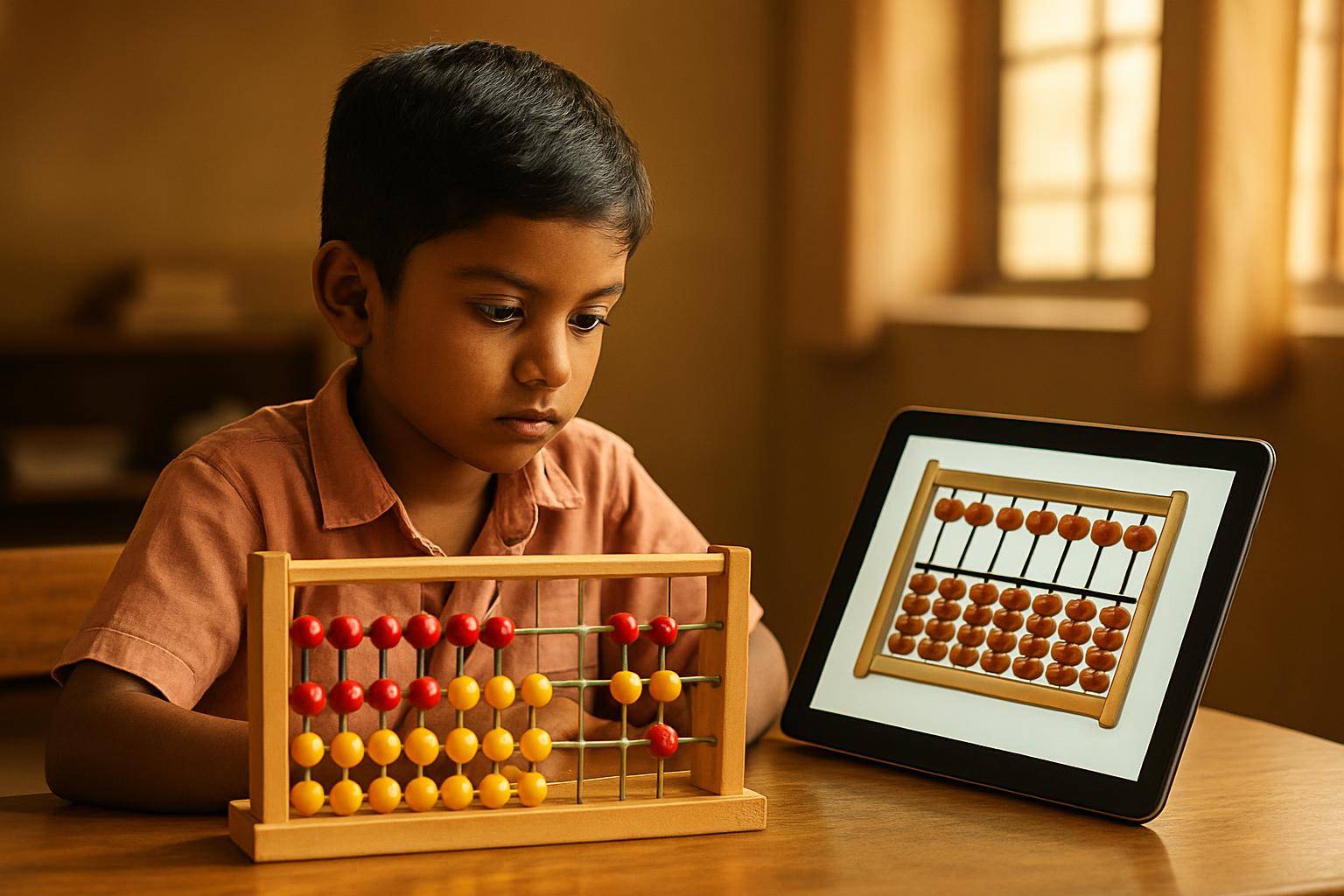
Both digital and physical abacus tools help children build strong calculation skills, but each has unique strengths. A useful starting plan is physical beads for handling and a digital tool for selected practice; adjust the balance after observing the child. Explore when to use each and why many academies now combine them, including a link to a free interactive digital abacus.
Key takeaways
- The digital abacus vs physical abacus debate depends on learning goals and context.
- Physical abacus helps with tactile learning and fine motor skills.
- Digital abacus offers instant feedback, gamification, and easy access at home.
- A teacher can combine both when the activities fit the lesson.
- Free tools like ERPLI's interactive digital abacus make practice convenient.
- Your child’s age, attention span, and learning style matter most.

What is an abacus, and how do kids use it?
- The abacus is a counting frame first used thousands of years ago (Wikipedia).
- Most Indian academies teach the Japanese soroban, a 1:4 bead layout (source).
- Kids learn to move beads to represent numbers and perform addition, subtraction, multiplication, and division.
- Physical abacus is a wooden or plastic tool; digital abacus is an interactive version on a screen.
- Both can support arithmetic practice, but a particular interface does not guarantee wider learning benefits.
Comparing digital abacus vs physical abacus: Key differences
| Feature | Physical Abacus | Digital Abacus |
|---|---|---|
| Tactile experience | Yes (hands-on) | No (screen-based) |
| Portability | Needs to be carried | Accessible on phone, tablet, PC |
| Feedback | Manual checking | Instant, automatic scoring |
| Gamification | No | Yes (games, levels, badges) |
| Cost | Check current local price | Often free or included in software |
| Practice tracking | Not automatic | Progress saved, reports available |
Physical abacus: Advantages and limitations
- Develops fine motor skills by moving beads.
- No screen time, which some parents prefer.
- Harder to track mistakes or progress unless supervised.
- Needs to be cleaned, can get lost or broken.
Digital abacus: Advantages and limitations
- Accessible on a compatible device; test connectivity and account requirements before travel.
- Interactive digital abacus tools provide instant feedback and correction.
- Can motivate kids through games, levels, and certificates.
- Requires a device and sometimes an internet connection.
Why do many academies combine both?
- Blended learning uses the best of both worlds for maximum impact.
- Physical abacus is usually used in class for concept explanation and hands-on practice.
- Digital abacus (like the interactive digital abacus) is used for homework, extra practice, or remote learning.
- Teachers can track student progress online and assign targeted practice modules.
- Observe how each child handles the task and adapt the instruction when errors appear.
What parents and teachers should consider
- Age: Younger children (5–7) often benefit from physical abacus first for tactile learning.
- Learning style: Some kids love screens, others learn better hands-on.
- Attention span: Digital abacus can keep kids engaged through gamification.
- Convenience: Online abacus practice requires a suitable phone, tablet or computer.
- Progress tracking: Digital tools like ERPLI’s platform offer reports for parents and teachers.
Questions to ask:
- Does my child get distracted easily on a device?
- Is the goal to improve speed, accuracy, or mental calculation?
- Does my child need extra motivation (badges, games)?
How ERPLI supports both digital and physical abacus learning
- ERPLI provides tools for teachers to assign both physical and digital practice (full feature list).
- Students get unlimited online abacus practice modules, plus printable worksheets.
- Teachers can track attendance, batches, and student progress in one dashboard.
- Pricing is ₹50 per student/month up to 30 students, with lower rates for more students (see pricing).
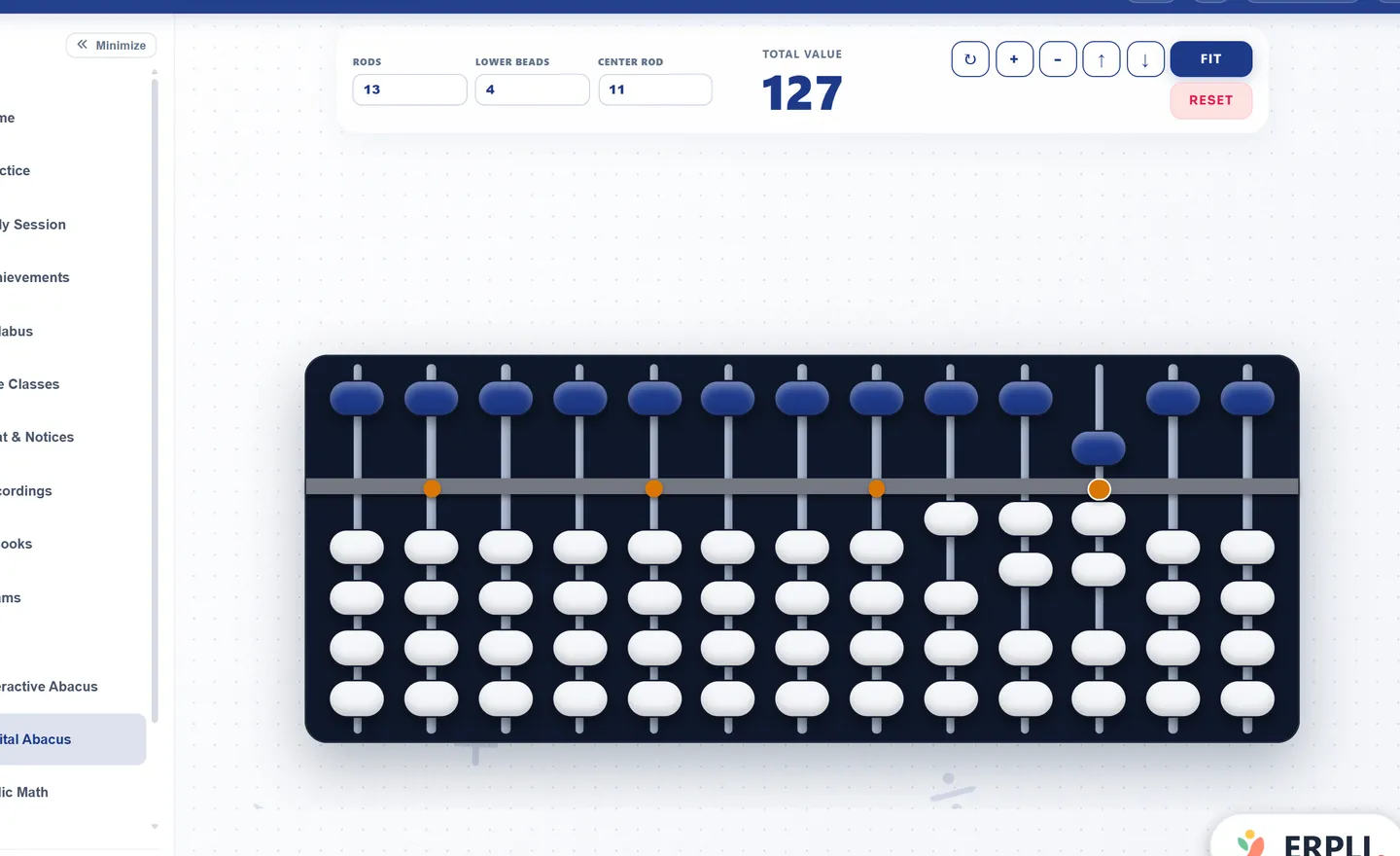
- The interactive digital abacus is free for all users, with no login required.
Practical tips for using both at home or in class
- Start with physical bead demonstrations and introduce a screen tool when the child can explain the same number representation.
- Introduce digital abacus for speed practice and variety.
- Set a daily or weekly target: for example, 10 minutes of digital practice, 5 minutes with the physical abacus.
- Use reports from digital platforms to identify weak areas and focus physical practice there.
- Encourage children to try both and see which they prefer.
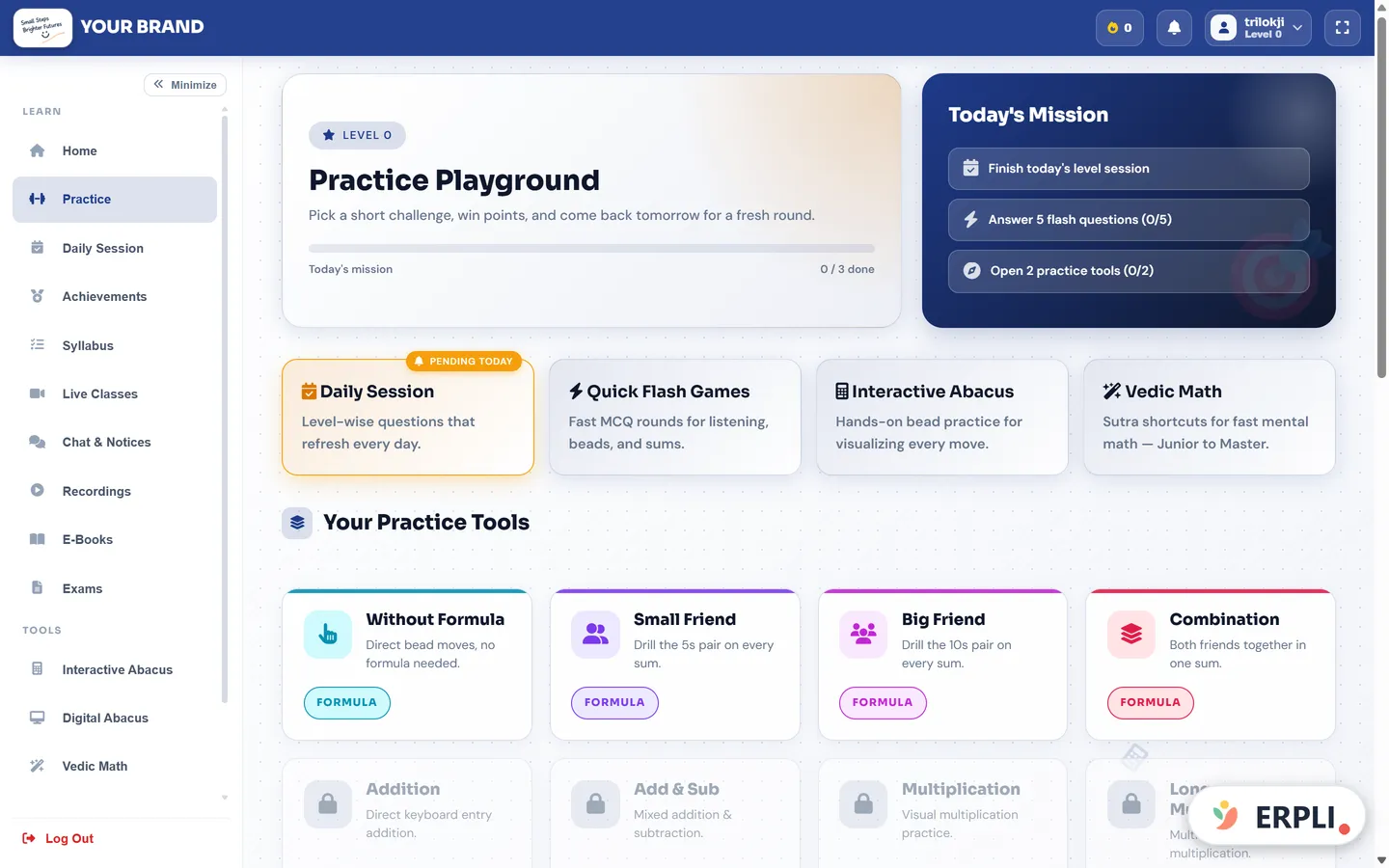
Table: When to use digital vs physical abacus
| Situation | Recommended Tool |
|---|---|
| Classroom concept teaching | Physical abacus |
| Homework/extra practice | Digital abacus |
| Group competitions | Physical abacus |
| Remote learning/holidays | Digital abacus |
| Tracking progress | Digital abacus |
| Developing fine motor skills | Physical abacus |
Next step
To help your child or students get the best of both worlds, start by exploring the interactive digital abacus for free. For teachers and academies, ERPLI makes it easy to blend both methods and track every student's journey.
Reddit research: what learners actually asked about
We searched Reddit for practical experiences while reviewing digital abacus vs physical abacus on 9 November 2026. In an abacus recommendations thread, participants discussed both a physical soroban and an app. One later commenter valued the app's tutorials and another described learning with a tutor. These accounts illustrate different ways to practise; they do not establish that an app replaces instruction or that one type of frame suits everyone.
A parent-developer's virtual-abacus post raised another everyday issue: instruction in the family's language. The developer described voice-guided lessons, while feedback questioned the narration's clarity. Those are self-reported experiences, not our product test. Our practical takeaway is to listen to a full explanation with your child before selecting a tool. A colourful board is less useful when the learner cannot follow what the voice is asking them to do.
What a physical-versus-virtual study found
A 2013 randomised study of 60 third-grade children compared a wooden Chinese abacus with a virtual version. Recognition results were similar, but the physical group did better on extending learning to more advanced computation. The study used a specific older interface and does not rank today's apps. It gives teachers a reason to check transfer between representations rather than assuming that equal screen scores mean equal understanding.
A home trial you can run without buying a course
Choose ten additions the child already understands. On one day use the physical frame; on another day use comparable questions on the screen. Keep the instruction, time available and level of adult help similar. Record correct answers, accidental moves, requests for help and whether the child can explain a mistake. This is a family observation exercise, not a research result.
Then give two new sums on paper. Ask the child to show the same quantities on both boards and explain the result. If the screen score is high but the explanation is confused, return to slower demonstrations. If the arithmetic is correct but touches repeatedly move the wrong bead, adjust device size or input settings rather than assigning harder homework. In digital abacus vs physical abacus decisions, separate interface errors from arithmetic errors.
Small-device and shared-device realities
A parent may need the same phone for work calls, so access can disappear halfway through homework. Agree on a predictable practice window and keep a physical frame or printed task available. At an academy, check that logging out really switches students and that a second child does not overwrite the first child's results. A shared tablet needs a clear handover routine even when the learning tool itself is easy to use.
Check the digital bead size on the actual phone. Ask a beginner to reset the board, enter 14 and then change it to 19. Watch whether the upper bead and lower beads are easy to distinguish. Turn off unrelated notifications before practice and check whether lesson audio can be repeated. If there is an offline claim, test the required activity in airplane mode after setup; do not assume the entire course works offline because one board loads.
An academy record that parents can understand
Use practice reports to discuss accuracy and the type of help a child needed, alongside any timing score. Record physical work separately if the platform cannot capture it. The goal is a consistent picture of learning across tools. Revisit digital abacus vs physical abacus after several lessons, using the child's explanations and corrected mistakes to choose the next activity.