ERPLI
You can practise abacus without reliable internet by using a physical frame, prepared exercises or a digital tool whose required activities work offline. The important distinction is between opening a bead board, saving a result and synchronising an academy assignment. One of those working does not prove that the others will work too.
This guide is for families with patchy connectivity, siblings sharing a phone and tutors planning homework during travel or outages. It explains what to check before depending on an app and how to keep a simple practice record when the academy dashboard cannot be reached. No particular download or device purchase is necessary to use the basic plan.
Start by separating the jobs
| Job | Can it be done without internet? | What to check |
|---|---|---|
| Move physical beads | Yes | Correct frame, suitable questions and answer key |
| Use a digital board | Depends on the tool | Required files installed or cached |
| Complete a lesson or video | Depends on the lesson | Whether that exact content is available locally |
| Save a score on the device | Depends on storage | Persistence after closing and reopening |
| Send work to an academy | Usually needs connectivity | Documented sync or manual submission process |
An offline practice session can still be useful even when it produces no automatic academy report. Conversely, a screen showing a previous lesson does not prove that a new assignment will load without a connection. Name the task before asking whether a product “works offline.”
What we found in GitHub documentation
We searched GitHub and related product sources on 9 November 2026. The bizzkoot Aloha soroban project describes an installable web app with offline use. The Deerpfy abacus project describes a simpler browser board and explicitly says its current value does not persist across reloads. These are different capabilities, although both offer a digital abacus.
Those statements come from project documentation, not our hands-on testing. They help explain why a parent should ask separately about installation, available activities and saved progress. They are not evidence that either project reproduces a commercial academy's curriculum or that its offline work automatically appears in an ERPLI account.
The Simple Soroban Android listing describes tutorials and practice modes, and says settings and challenge records are stored locally. Check the current listing and compatibility on your own device. Local records are not the same as a cloud backup or a teacher dashboard; ask how the result can be reviewed if sharing it matters.
Test the actual homework before an outage
While connected, open or install the chosen tool using its documented process. Load the specific lesson the teacher assigned. Then switch to airplane mode and attempt the same type of task. Close the app normally, reopen it and see whether you can continue. Restore the connection afterwards and inspect what, if anything, was sent or updated.
Check the result, not just the opening screen. A cached menu may appear even when a worksheet cannot load. An exercise may run while the scoring screen still requires a network request. Write down the activities that worked so you can plan around confirmed behaviour instead of a general offline label.
For an academy subscription, ask the provider to demonstrate the workflow with the intended learner account. If the required assignment has no documented offline mode, prepare a separate physical task. Do not assume that installing a shortcut to a website downloads every feature or all future homework.
Keep a physical fallback ready
Put a suitable frame, pencil and a short exercise sheet in one place. Keep the answer key with the supervising adult. Include clear instructions about whether each question starts from zero or continues a running total. A prepared five-question set can be more useful during a power cut than a large workbook with unfamiliar material.
For example, ask a learner who has been taught direct operations to set 12, add 2 and read 14. On a separate question, set 23, subtract 1 and read 22. Have the teacher approve the question types for the current stage. The absence of a screen should not become a reason to introduce an untaught formula.
What if two children share one phone?
Give each learner a clear turn and check which profile is active before starting. After the session, verify that the result belongs to the correct child. If an app has only one local record, keep separate notes rather than presenting the shared total as either child's progress. A single device can support practice without being a reliable multi-student reporting system.
Do not rely on a sibling's memory of which questions were completed. A small paper record can include the learner's name, date, task, result and help needed. If the academy later accepts a photograph or manual entry, follow its stated process. Avoid submitting the same work twice just because a sync status is unclear.
Protect local progress from accidental loss
Before clearing browser data, reinstalling an app or moving to a new phone, check whether results are stored only on that device. In the Math4Kids project's troubleshooting notes, the developer warns that clearing browser storage or using private browsing can affect saved data. That is documentation for a general mental-maths project, not an abacus-specific guarantee or a statement about ERPLI.
The broader practical check is simple: find out where the chosen tool stores progress and how it can be exported or recovered. If it has no backup feature, save the small amount of information you need for the teacher separately. Do not confuse a downloadable app with a permanent record of every exercise ever completed.
Make screenshots useful to the teacher
A screenshot showing only “eight correct” leaves several questions unanswered. Note the operation, digit range, whether the child used beads or mental calculation and any adult help. A score from ten easy direct additions should not be compared with a score from ten mixed-formula questions as though the tasks were equivalent.
If taking a photograph of physical work, include the question and the answer, plus a short description of a repeated difficulty. Avoid photographing unrelated personal information on the desk. The aim is to give the teacher enough context to plan the next lesson with minimal extra administration.
Do offline tasks need a timer?
Not automatically. Use untimed work when the goal is learning or correcting a method. If the teacher requests a timed exercise, keep the question types and time limit consistent and record interruptions honestly. A family phone call in the middle of a shared-device session changes what the completion time means.
If a digital task stops during an outage, ask whether the academy wants a retry, a manual result or a replacement activity. Do not invent a result to preserve a streak. A report that says “session interrupted after question six” gives a more accurate picture than silently treating the attempt as a completed test.
Where ERPLI fits
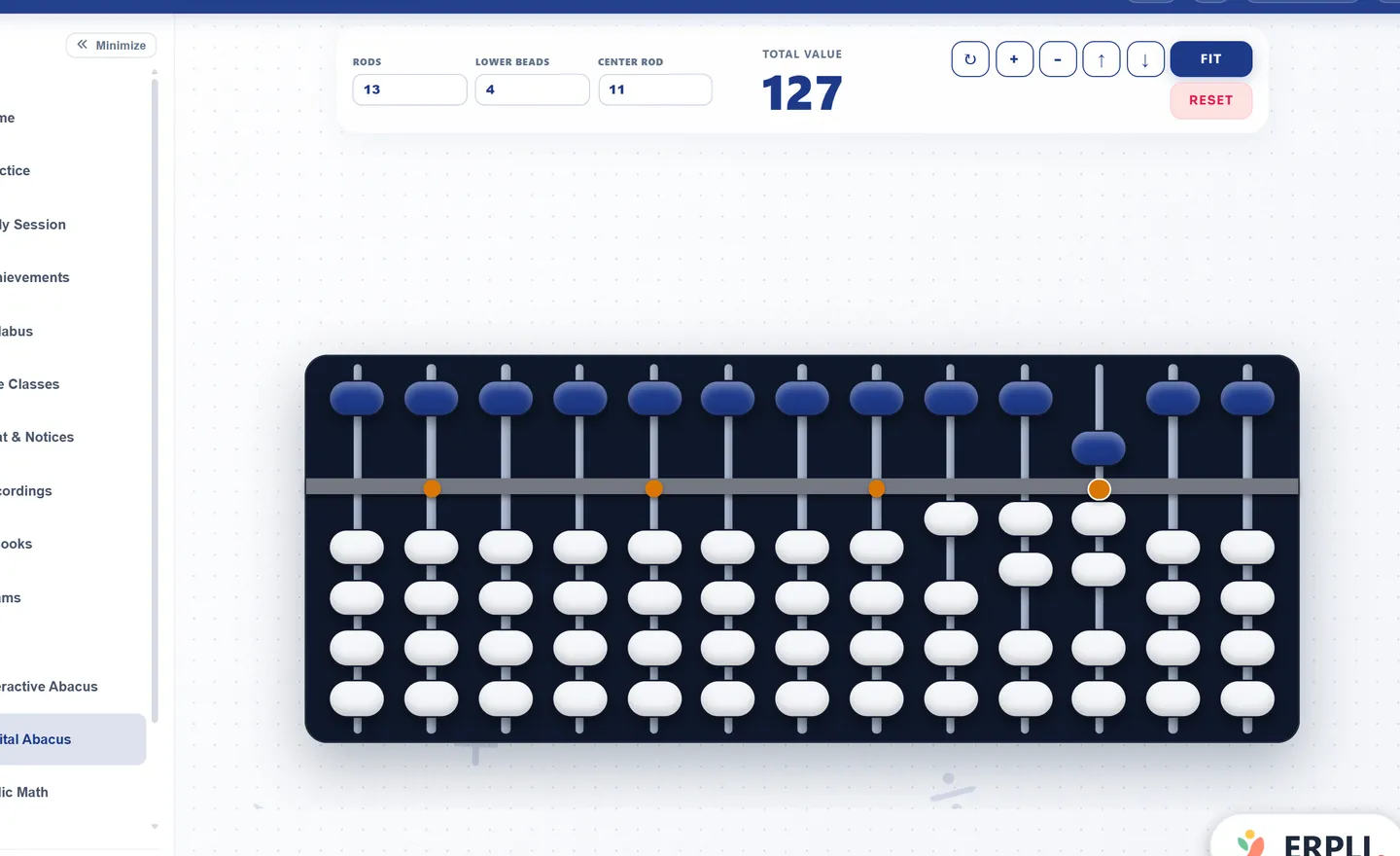
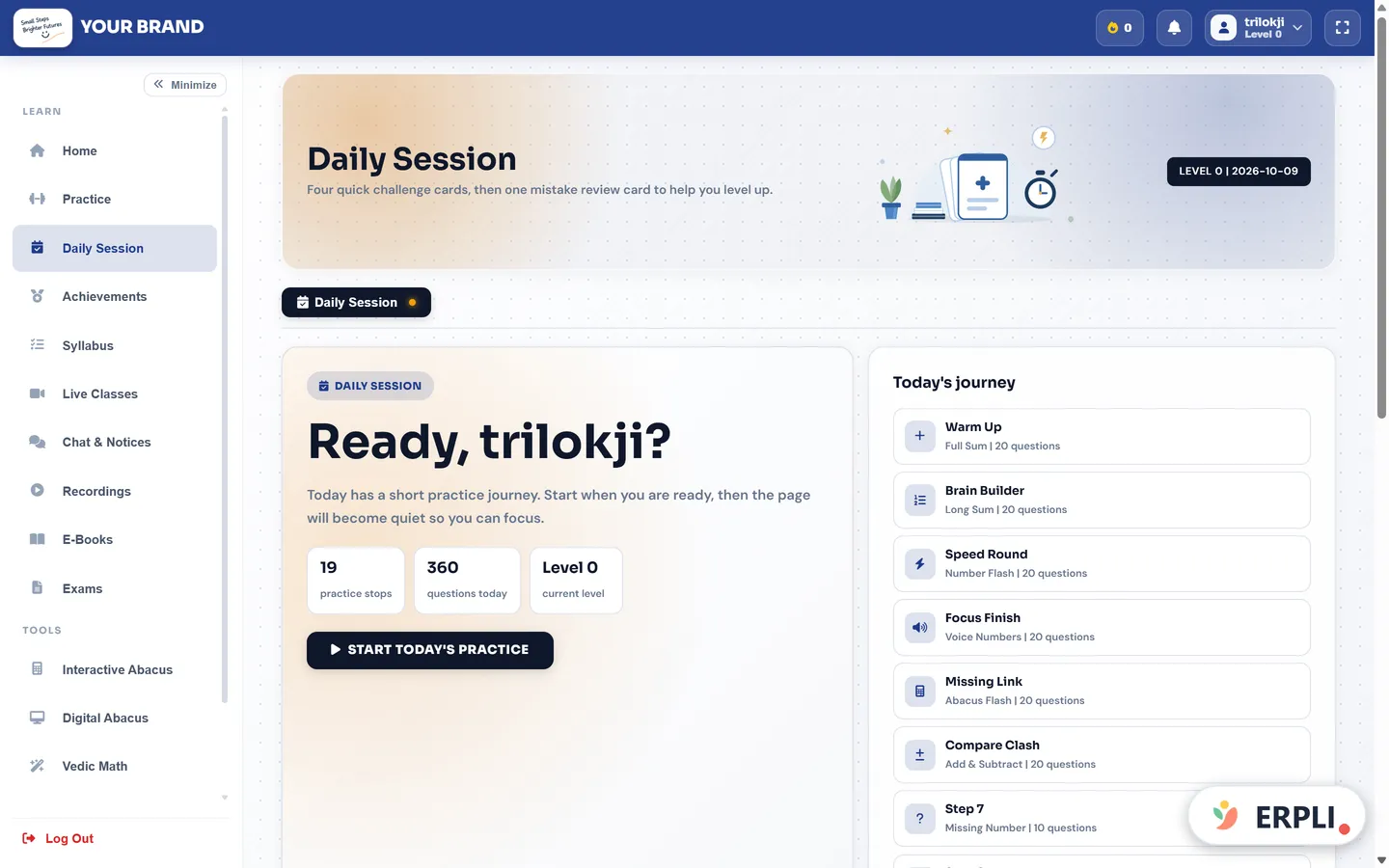
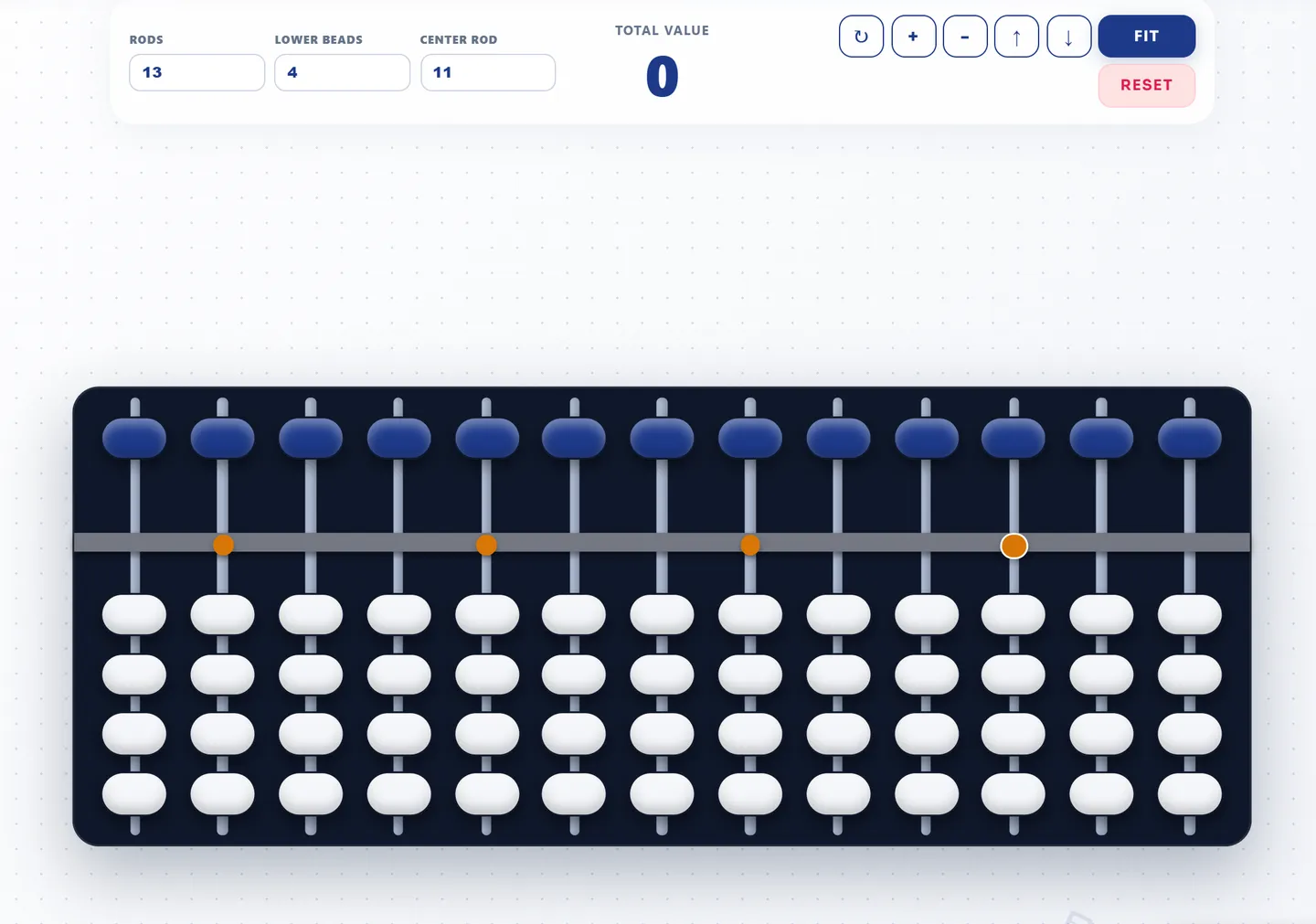
The free digital abacus can be explored online, and practice and daily sessions support academy learning workflows. Confirm connectivity requirements for the activity you need. This article does not claim an ERPLI offline mode or cross-device sync feature that has not been demonstrated for your setup.
For choosing a tool more generally, see the abacus app selection guide. For the lesson itself, use a short home routine built around the current skill. A useful fallback plan keeps learning specific even when the internet is unreliable: appropriate questions, a usable representation and an honest record for the next lesson.