ERPLI

Formula-level tracking of abacus student progress shows which bead moves a student can use independently and which need more practice. To accurately monitor every student’s journey, you need precise, formula-wise records and clear, shareable reports. Here’s how to do it—with practical tools and an example you can use today.
Key takeaways
- Formula-by-formula tracking finds weak areas early, not just at exam time.
- Digital tools automate abacus progress report generation and sharing.
- Parents want detailed, transparent updates—not just grades.
- ERPLI and similar systems let you track, analyse, and share progress by formula and level.
- Consistent tracking motivates students and improves batch outcomes.

Why Formula-Level Tracking Matters for Abacus Student Progress
- Abacus learning is built on mastering specific formulas, not just levels.
- Missing or weak formulas cause struggles in higher modules.
- Record the formula, the practice mode, and any prompts so the next teacher can repeat the check under comparable conditions.
Manual vs Digital Tracking: What Works Best?
Manual methods
- Paper registers or Excel sheets per student, marking each formula as attempted/mastered.
- Pros: Low-cost, works for very small batches.
- Cons: Tedious, error-prone, hard to share with parents, difficult to analyse trends.
Digital tracking
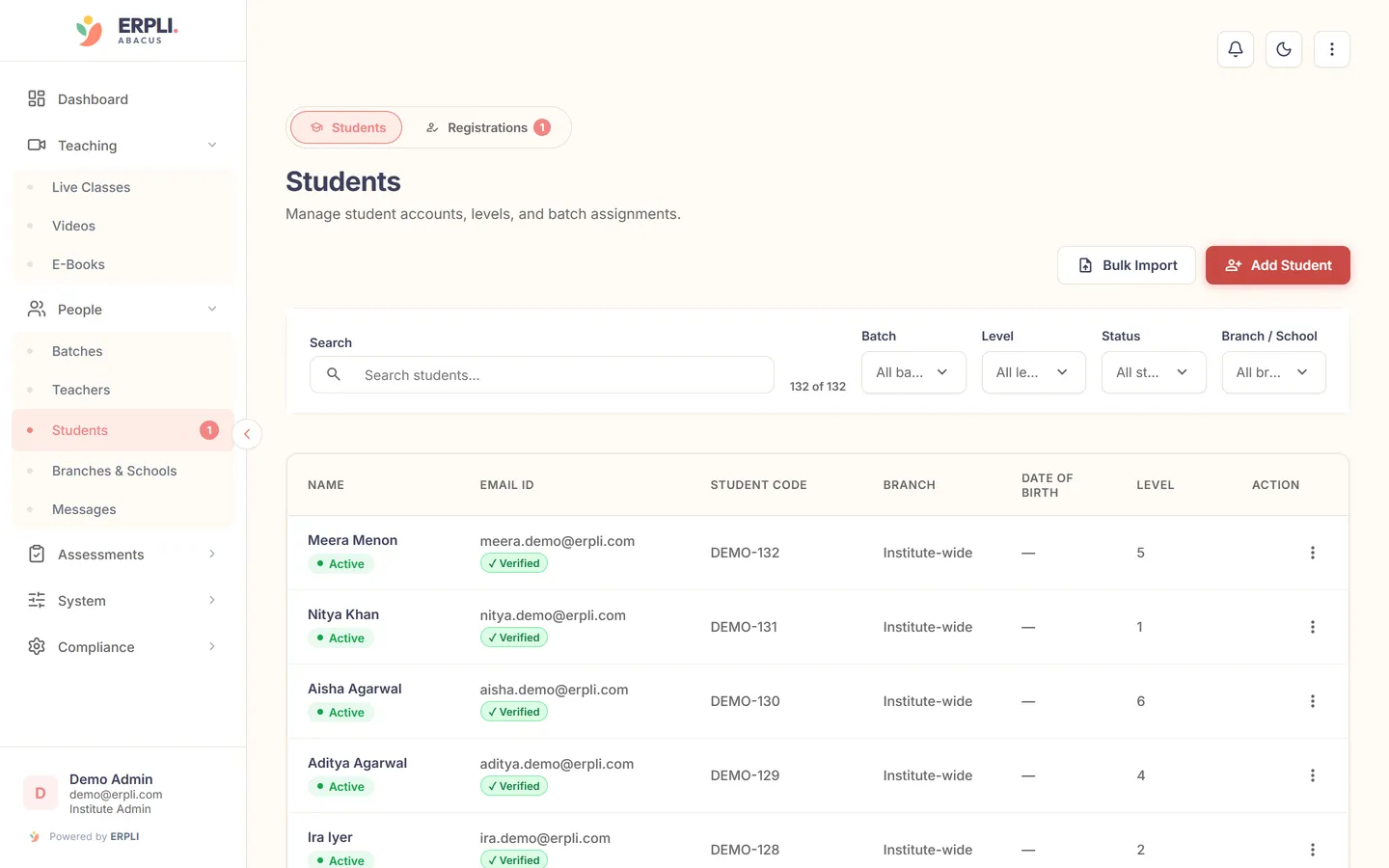
- Use software like ERPLI Abacus student management for batch-wise, formula-level tracking.
- Instantly records scores, time, and remarks per formula.
- Auto-generates abacus progress reports for parents.
- Tracks attendance, assignments, and exams in one place.
- Saves hours for teachers, especially in batches above 20 students.
Example: What a Formula-Level Abacus Progress Report Looks Like
| Student Name | Level | Formula | Last Attempt | Score | Status | Teacher Remark |
|---|---|---|---|---|---|---|
| Aarav S. | 2 | F1-Addition | 2024-05-20 | 9/10 | Mastered | Confident, fast |
| Aarav S. | 2 | F2-Subtraction | 2024-05-21 | 7/10 | Needs Practice | Slow at 2-digit sums |
| Aarav S. | 2 | F3-Carry Over | 2024-05-22 | 8/10 | Improving | Getting better |
- Each formula is tracked with date, score, and qualitative feedback.
- Parents see exactly where their child excels or needs practice.
- Reports can be exported as PDF or shared via WhatsApp/email.
- For digital tracking, ERPLI auto-fills this table as students practice or take tests.
Record where the bead move breaks down
An adult learning soroban on their own described using complements and relying on familiar one-digit moves when tackling longer sums. Teachers can use that example to make a progress note more specific. A missed answer on a two-digit problem can prompt a quick check of the underlying move. Read the learner’s account on Reddit.
For example, compare 23 + 2 with 23 + 8. On a soroban, adding 2 to the units rod from 3 uses the complement to 5: add 5 and remove 3. Adding 8 from the same starting value uses the complement to 10: add one ten and remove 2 units. If the student handles the first sum and misses the second, ask them to demonstrate the second move untimed and note the step where they got stuck.
A parent-facing note could say, “Used the five-bead move independently. Needed a prompt to carry to the tens rod. We’ll try five similar sums next lesson.” Record whether the next attempt was independent and whether it used a physical frame or mental calculation. That context helps the next teacher choose an appropriate follow-up.
How to Track Abacus Student Progress Step by Step
1. List all formulas per level
- Refer to your abacus syllabus or use ready-made lists in ERPLI syllabus.
- Assign a code/short name to each formula for clarity.
2. Record attempts and scores
- After each class or practice, mark which formulas each student attempted and their result.
- Use a digital tool for batch entry, or a register if you have few students.
3. Add remarks for context
- Note if the student was absent, distracted, or showed improvement.
- In ERPLI, you can add quick remarks that are visible to parents.
4. Share reports regularly
- Set a routine (weekly, bi-weekly, or monthly) to send abacus progress reports.
- Send each student’s report privately to their parent or guardian.
Sharing Progress with Parents: Best Practices
- Be transparent: Include formula-level details, not just “Level 2: Completed.”
- Use simple, jargon-free language in remarks.
- Highlight both strengths and areas to improve.
- For younger students, add encouragement stickers or badges (ERPLI auto-awards these).
- Offer parents a way to ask questions or request extra practice.
- Many academies now use digital apps so parents can check progress anytime.
Automating Student Tracking with ERPLI and Other Tools
- ERPLI lets you upload your own syllabus and formulas or use standard sets.
- Teachers update student progress in real-time from mobile or web.
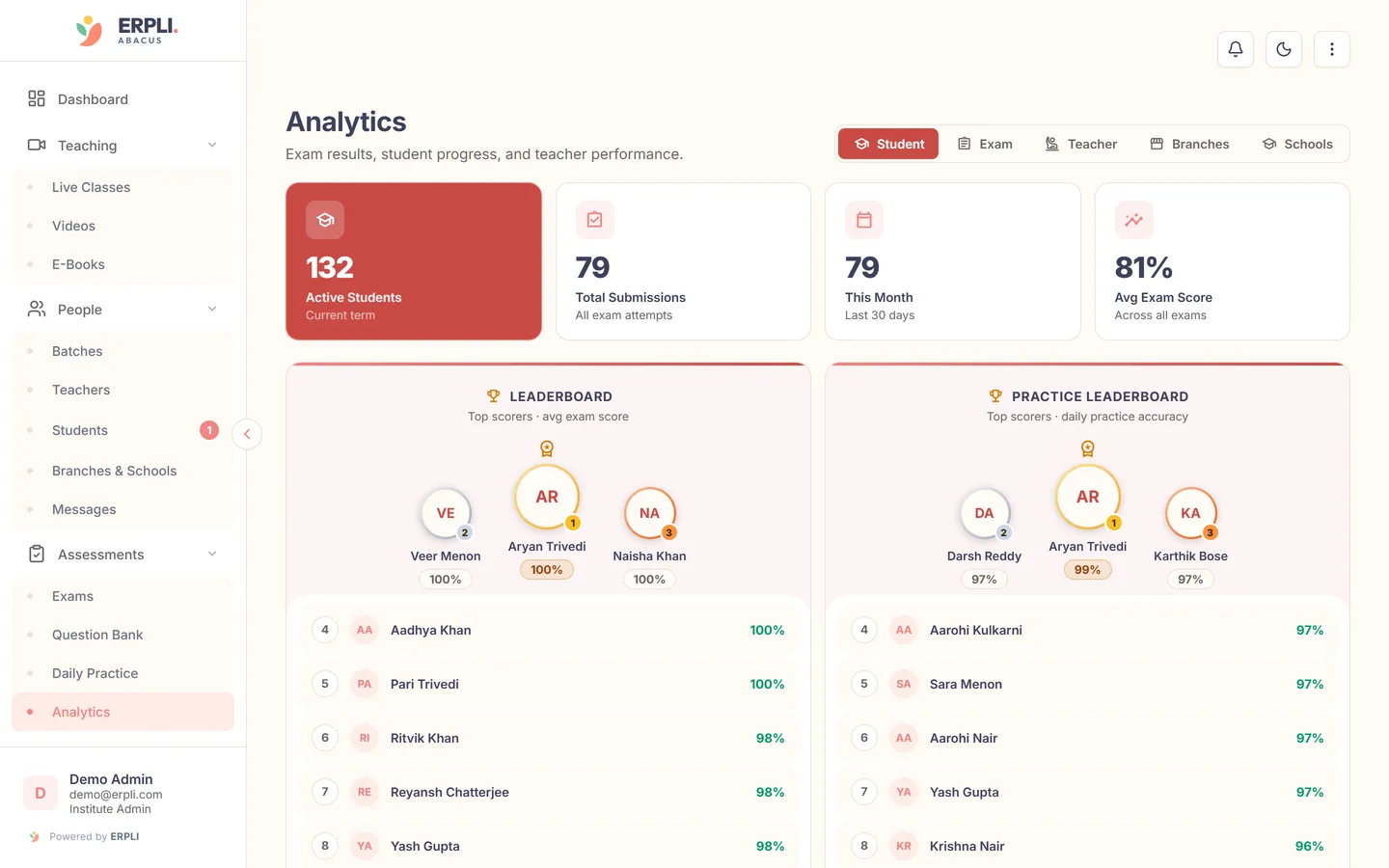
- Parents get notifications and can view reports in their app.
- Attendance, assignments, exams, and practice are all linked to progress tracking.
- See ERPLI’s pricing page for current plans.
- Other software exists, but check if they support formula-level granularity and parent sharing.
Common Challenges and Solutions in Abacus Student Tracking
- Challenge: Forgetting to update after every class
- Solution: Set reminders or use daily checklists in your app.
- Challenge: Parents not understanding detailed reports
- Solution: Use simple tables and visual badges, offer an explanation session.
- Challenge: Managing large batches with mixed levels
- Solution: Use batch-wise digital tracking with filters by level/formula.
- Challenge: Data loss or errors
- Solution: Cloud-based software like ERPLI keeps secure backups and tracks edit history.
- For manual tracking, always keep physical and digital copies.
Next step
Start tracking abacus student progress formula by formula for clearer teaching and stronger parent satisfaction. See how ERPLI can automate and simplify your workflow.