ERPLI
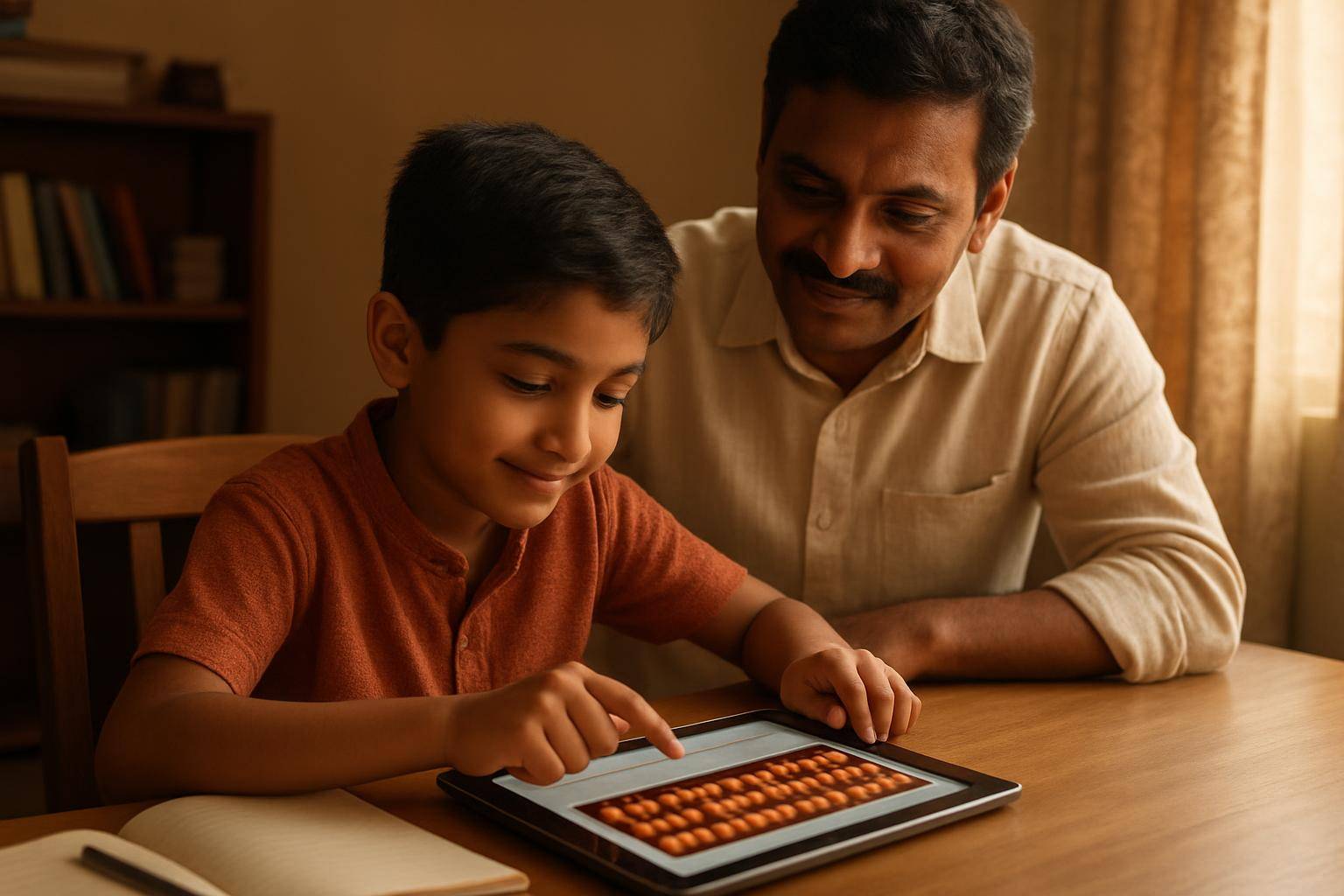
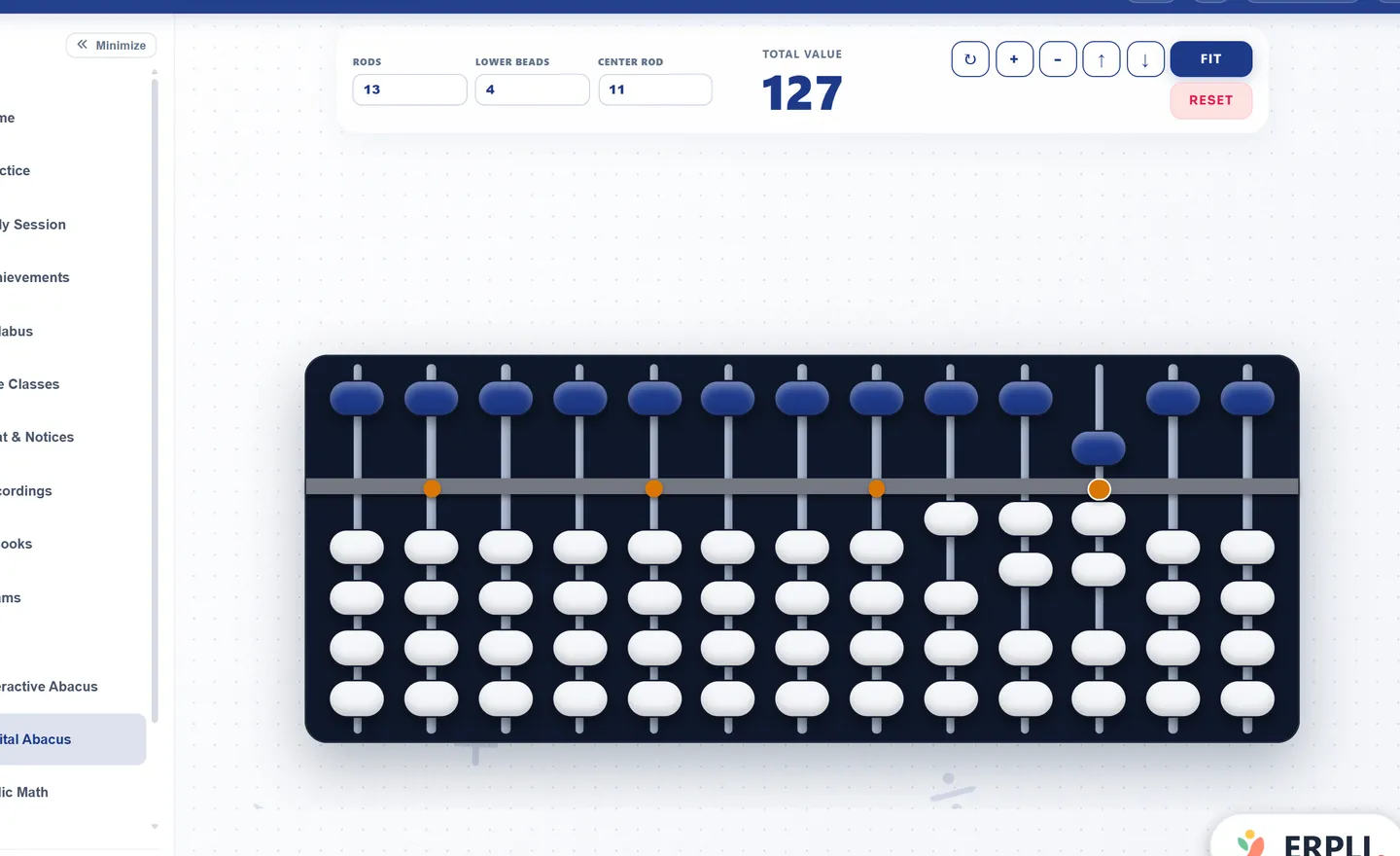
Short answer: ERPLI's free online abacus is a soroban that runs in any browser, with no sign-up or download. You get 3 to 17 rods, a live total under the frame, and full-screen mode for smartboards. Teachers use it to demo sums on screen-share and to give students a frame to practise on at home.
This page is for abacus teachers and institutes. It covers how to use the free tool in class, the sums worth demonstrating on it, and where a free tool stops being enough for an institute.

What does the free online abacus do?
| Feature | What it means in class |
|---|---|
| 3 to 17 rods | Start beginners on 5 rods (up to 99,999). Use 13 or 17 for long numbers. |
| Soroban layout | 1 upper bead worth 5 and 4 lower beads worth 1 per rod, the same as Indian classroom frames |
| Live total | The "Current Bead Value" bar shows the number as beads move. Hide it when you want students to read the beads themselves. |
| Solve Sums mode | A sum appears, the student sets the answer on the beads, and the tool checks it |
| Full screen | Sharp on a smartboard or in Zoom and Meet screen-share |
| Phone, tablet, laptop | Tap beads with a finger or click with a mouse |
It is free to use, with no login. Open the online abacus.
How do you use it in a live online class?
- Open the tool and set the rods for the level you are teaching
- Share your screen in Zoom or Meet and switch to full screen
- Ask students to open the same page on their own device, or use their wooden abacus
- Demo one sum slowly, then have every student set the answer and hold up their screen or frame
- Use Reset Beads between sums so no one starts from the wrong number
A wooden abacus held up to a webcam is hard to read: the beads blur, the frame is mirrored and the lighting changes. A digital frame on screen-share fixes all three. For a full lesson plan, see teaching abacus online with a virtual abacus.
Which sums should you demo on it?
Pick sums that show one movement clearly, so students see exactly which beads move.
| Sum | Rod work | Formula shown |
|---|---|---|
| 23 + 15 | Tens +1, units +5 using the upper bead | Direct |
| 4 + 3 | Lower beads full, so +5 −2 | Small friend (+3 = +5 − 2) |
| 7 + 6 | Units can't take 6, so −4 on units and +1 on tens | Big friend (+6 = −4 + 10) |
| 14 − 9 | +1 on units, −1 on tens | Big friend (−9 = +1 − 10) |
Turn the live total off for the second round. Students who can read the beads without the number are ready for the next step.
Can students use it for homework?
They can practise on it, but the free page has one limit for teachers: you can't see what they did. There is no login, so no scores or record reach you.
That gap is why institutes move to the version inside ERPLI.
What does an institute get inside ERPLI?
| Free online abacus | Inside ERPLI Abacus | |
|---|---|---|
| Use in the browser | Yes | Yes, in your own branded app |
| Your logo on the frame | No | Yes, with your bead colours |
| Rods locked per level | No, students choose | Yes. For example, 5 rods for Level 1 and 9 for Level 4. |
| Live class sync | Screen-share only | Every bead you move shows on students' screens, and you can open any student's frame to correct it |
| Homework and exams on the beads | No | The student sets the answer on the abacus, and ERPLI checks it |
| Scores and reports | No | Per student and per batch, visible to parents |
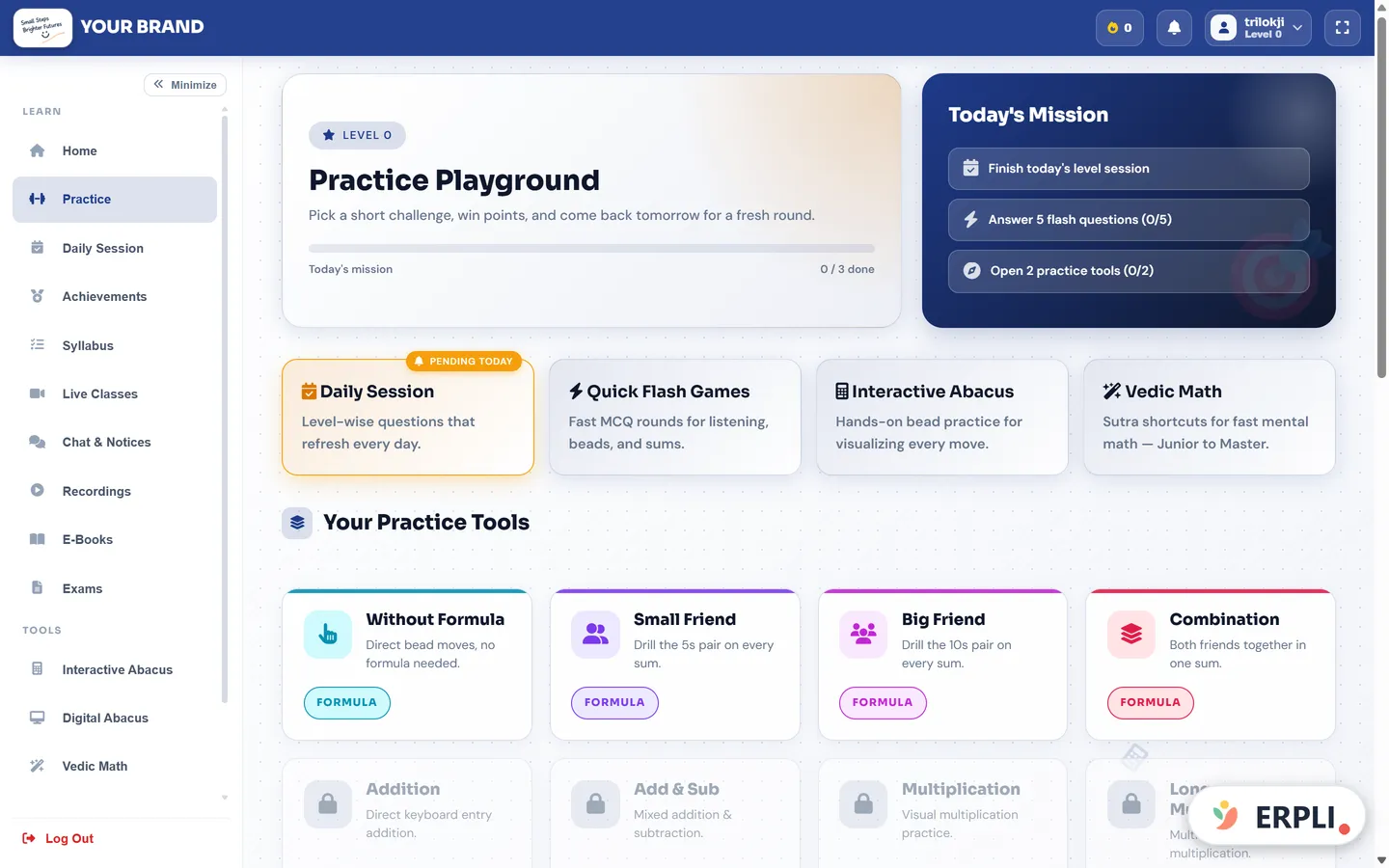
| Practice modules | No | 22 abacus modules from Level 0 to 10, plus Flash Anzan |
See the full practice suite and live classes.
Free tool or paid platform?
Use the free page if you are a single teacher trying digital demos, or you want a frame for screen-share today.
Move to ERPLI when you need to see practice: homework you can check, exam results you can print certificates from, and a record parents can follow. ERPLI Abacus starts at ₹50 per student per month for up to 30 students and drops to ₹30 at 100. See pricing.
Still deciding between digital and wooden frames? Read digital abacus vs physical abacus.