ERPLI
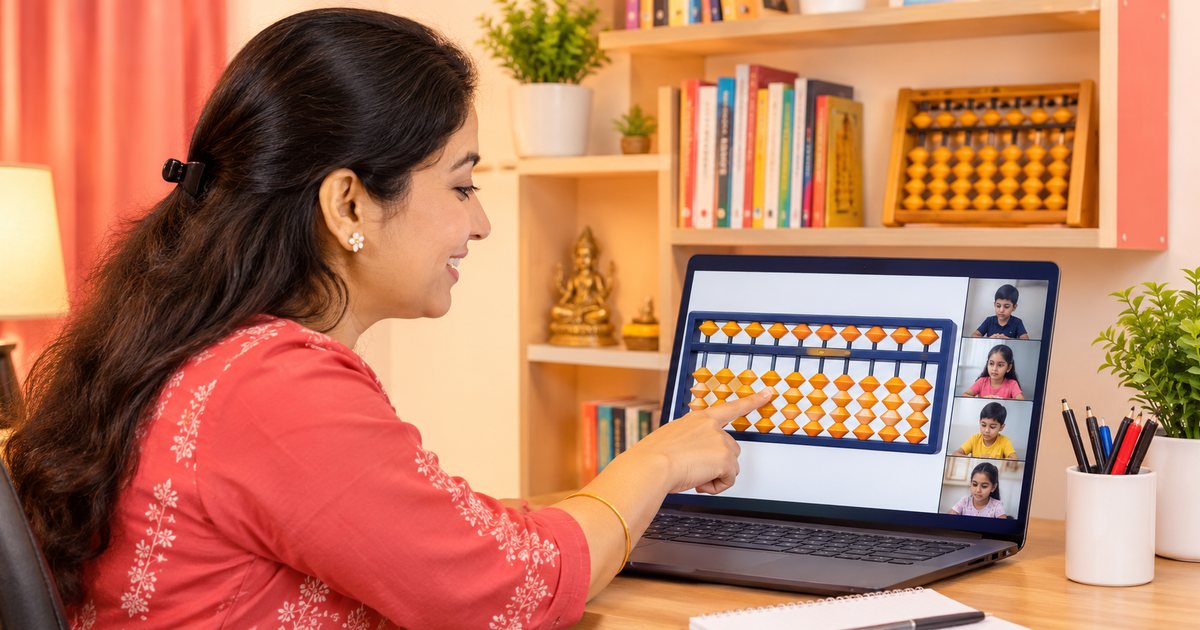
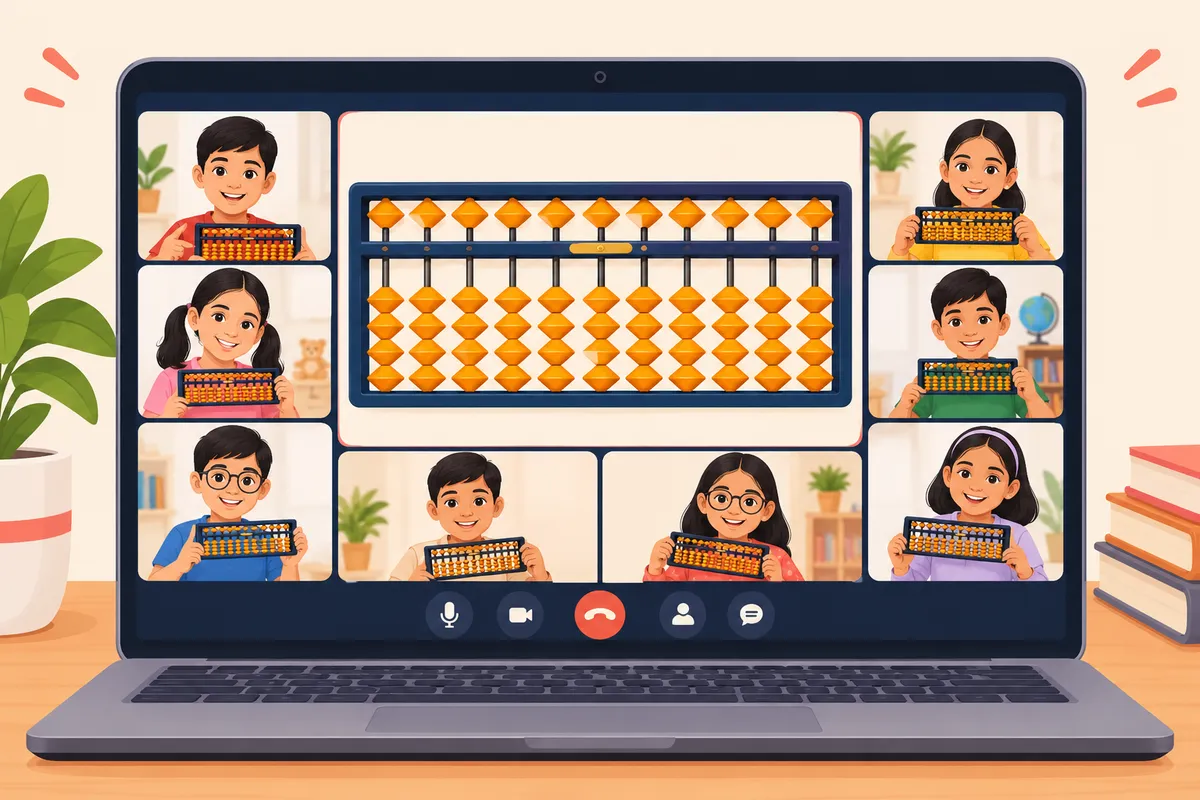
Short answer: Share a virtual abacus on your video call, have every child follow on their own abacus, and check their beads, not just their answers.
Many teachers now run full abacus batches from home. The hard part isn't the video call. It's seeing what each child is doing when you're not in the same room. This guide covers setup, a ready class plan, your first week with a new batch, and fixes for the usual problems.
What do you need?
- A laptop (a phone screen is too small to teach from)
- Steady internet, and a phone hotspot as backup
- Zoom or Google Meet
- A virtual abacus with 13 or more rods, like our free online abacus
- Students with cameras on, and their own abacus
Why not hold a wooden abacus up to the camera?
Video calls blur small moving things, your hand covers the beads, and children in the small tiles lose count. A shared digital abacus stays sharp for every child, every time.
How do you set up before class?
Same steps, every class. Two minutes.
- Open the abacus and choose the rods: 5 or 7 for Level 1, 13 from Level 2.
- Press full screen.
- Share only that window, not your whole screen.
- Ask one child: "Can you see every bead?"
A 45-minute class plan
| Time | What happens | Your job |
|---|---|---|
| 0–5 min | Warm-up | Show 5 numbers. Kids set them on their abacus. |
| 5–15 min | Revision | 5 sums using last class's rule |
| 15–25 min | New rule | Show it 3 times, slowly, saying each move aloud |
| 25–35 min | Practice | 8–10 sums. Check each child's beads. |
| 35–42 min | Speed round | Short timed set, total hidden |
| 42–45 min | Homework | Sums to answer on the beads |
The most important 10 minutes is the new rule. Say every move out loud: "Plus 4. I can't push up 4 beads, so I push the top bead down and take 1 away." Children copy the words first and the speed later. Every rule is listed in abacus formulas.
Your first week with a new online batch
Class 1: Cameras, sound and seating. Show children how to hold their abacus up to the camera. Teach reading numbers only.
Class 2: Direct sums (no formula). Practise "show me your beads" until it's a habit.
Class 3: First small-friend rule. Keep the total visible while they learn.
After week 1: Message parents with what was covered, how long homework takes, and the class time for next week. Parents who know what's happening keep their child enrolled.
What goes wrong, and how to fix it
You can't see every child's abacus. Keep the batch at 6–10 children. After each sum, ask everyone to hold up their abacus at the same time.
The fast child shouts the answer. Ask "show me your beads", never "what's the answer". Hide the total during practice.
Homework isn't really done on the abacus. A written answer doesn't show the method. Use homework that's answered on the beads. In ERPLI, the child sets the answer on the digital abacus and it checks the bead position, so a copied number doesn't pass.
A child's internet keeps dropping. Paste the sums in the chat at the start, so they can keep going offline. Keep a short recording of each new rule for them to watch later.
Kids get tired. Swap the speed round for a short abacus game every few classes. Five minutes of play keeps 7-year-olds with you for the rest.
How do you run tests online?
Three rules:
- Hide the total.
- Set a time limit.
- Accept answers only on the beads.
Use the same sum types as your syllabus and the same paper for every batch, so results are fair across teachers.
Before you start
Still picking a tool? See best digital abacus for abacus institutes. If parents ask why a screen, digital vs physical abacus has answers.
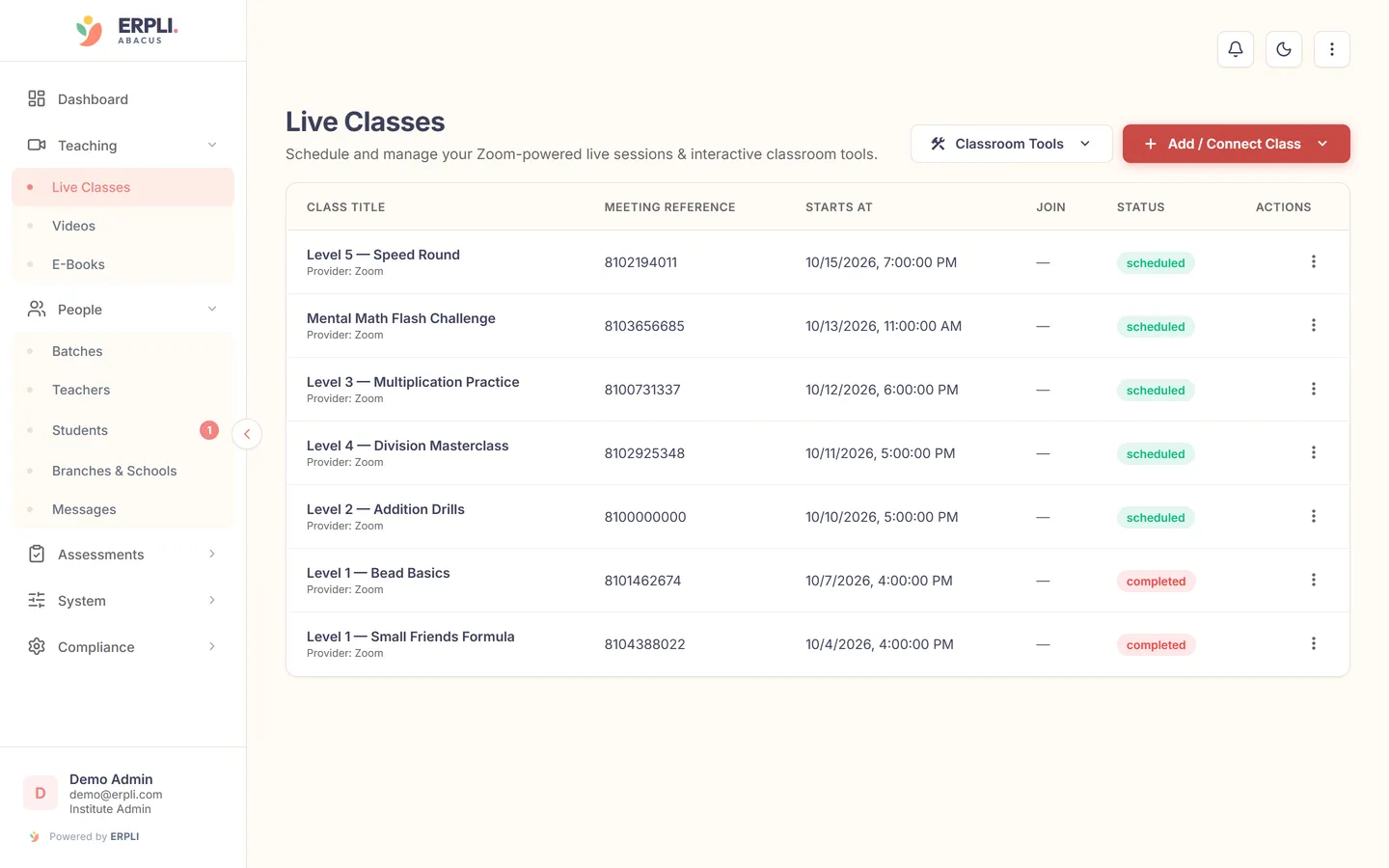
With several online batches, ERPLI's live classes show your bead moves on every child's screen at once, so the whole batch stays on the same step.
About the author: Kamal Singh Aswal has spent the past year working in the abacus industry with institute founders, school founders and established abacus brands, including Oral Edutech Private Limited, the Madhya Pradesh company behind the Foreign Abacus brand. His work focuses on how institutes use the digital abacus in classes, homework and exams.