ERPLI
Short answer: Any free tool with 13–17 rods, correct bead movement and full screen is fine for teaching. For homework and exams, an institute needs software that knows which child did the sum, can hide the total, and keeps reports.
This guide is written for institute owners. It compares free digital abacus tools, gives you a checklist to score any tool yourself, and explains what an institute needs that free tools can't do.
The free tools we looked at
We opened the free digital abacus tools that come up most on Google in India and noted what each one showed us in October 2026. Websites change often, so please check each tool yourself before relying on this table.
| Tool | Rods offered | What we saw | Good for |
|---|---|---|---|
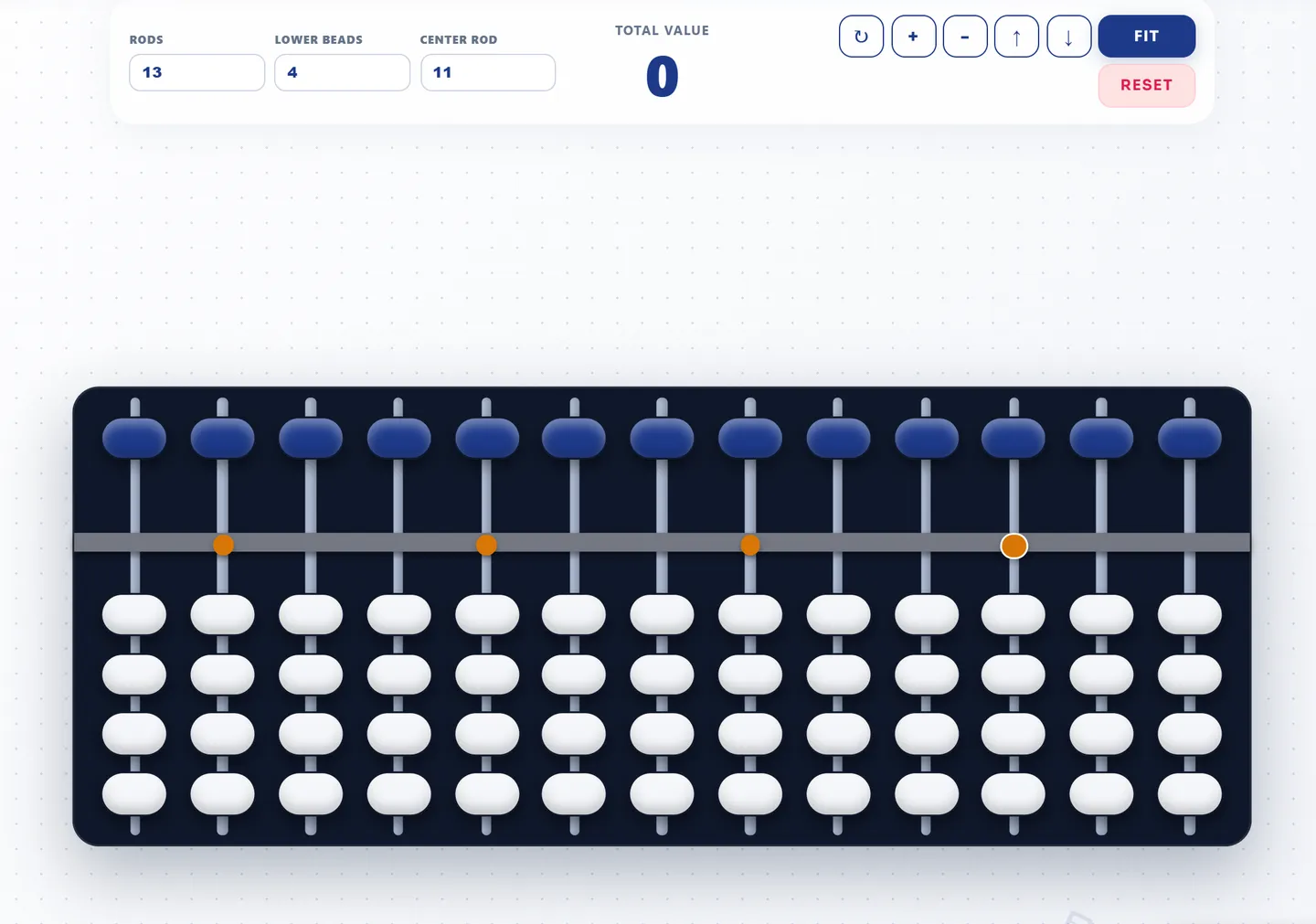
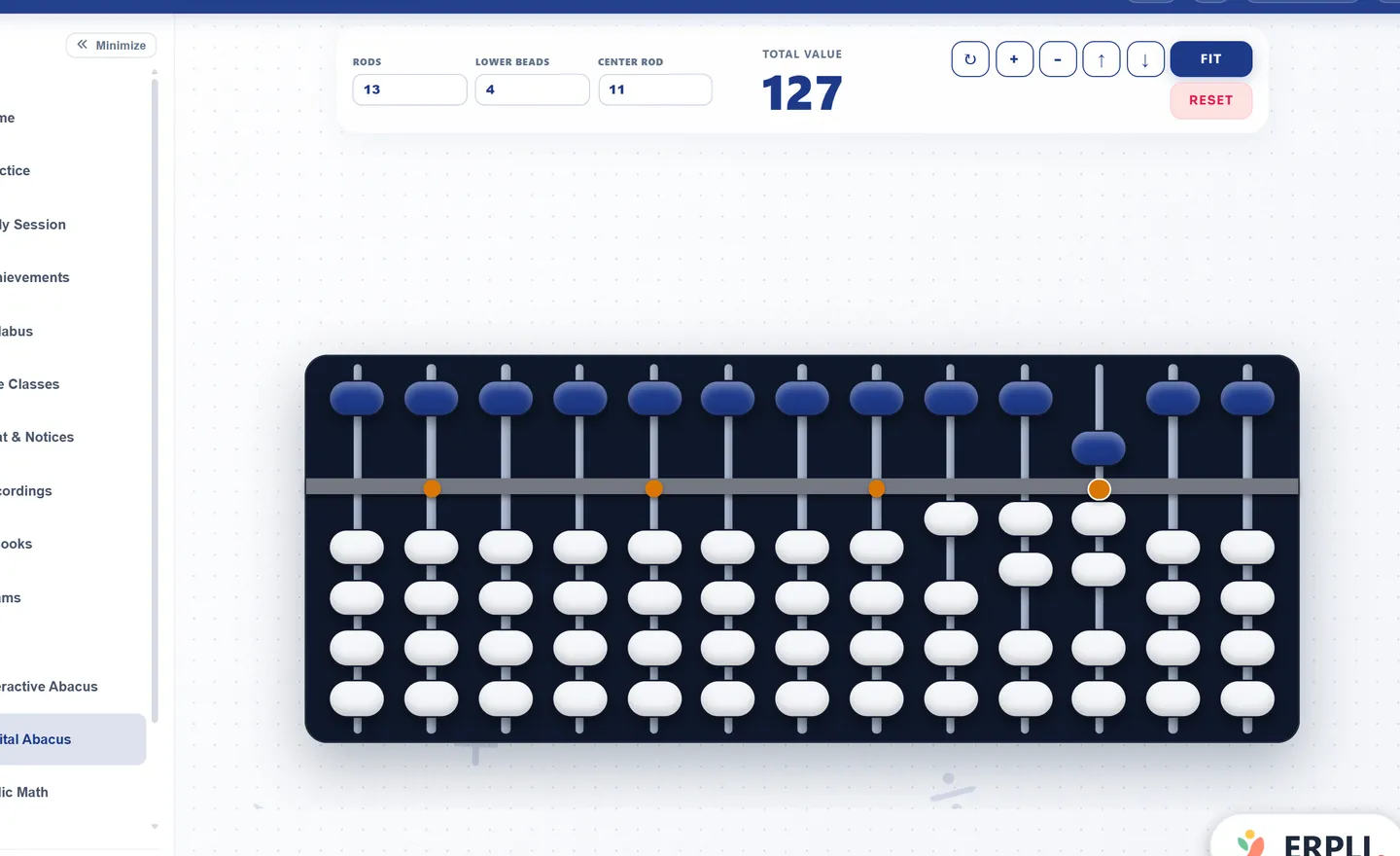
| ERPLI digital abacus (ours) | 3–17 | Live total, solve-sums mode, full screen, works on phones | Teaching, smartboards |
| AbacusTrainer digital tool | 3–17 | Abacus frame and reset button | Quick practice |
| RightLobeMath soroban | 11–21 | Abacus frame and reset button | Very long numbers |
| Roots Abacus virtual abacus | You type a number (starts at 7) | Abacus frame and clear button | Simple practice |
| HT Courses abacus tool | 17 | Coloured beads, settings menu, asks for landscape on phones | Colourful practice |
Many franchises also have their own apps. They're usually only open to their enrolled students, so they aren't an option for an independent institute and we left them out.
Score any tool in 2 minutes
Give each line 0, 1 or 2 points. Below 12 out of 16, the tool will cause problems in class.
| Check | 0 | 1 | 2 |
|---|---|---|---|
| Rods | 9 or fewer | 13 | 17 or more |
| Bead movement | Beads move one by one | — | Beads move together, like a real abacus |
| Units rod | On the wrong side | — | On the far right |
| 17-digit total (9 on every rod) | Wrong digits | — | Exactly 99,999,999,999,999,999 |
| Hide the total | Can't | — | Can |
| Full screen | No | Only by zooming | Has a button |
| On a phone | Too small to tap | Works if you zoom | Works well |
| Adverts | While you use it | Around the page | None |
Our own free tool scores 14 out of 16. It loses 2 points because the free version always shows the total. Run the checklist on it yourself; we'd rather you trust the test than our word.
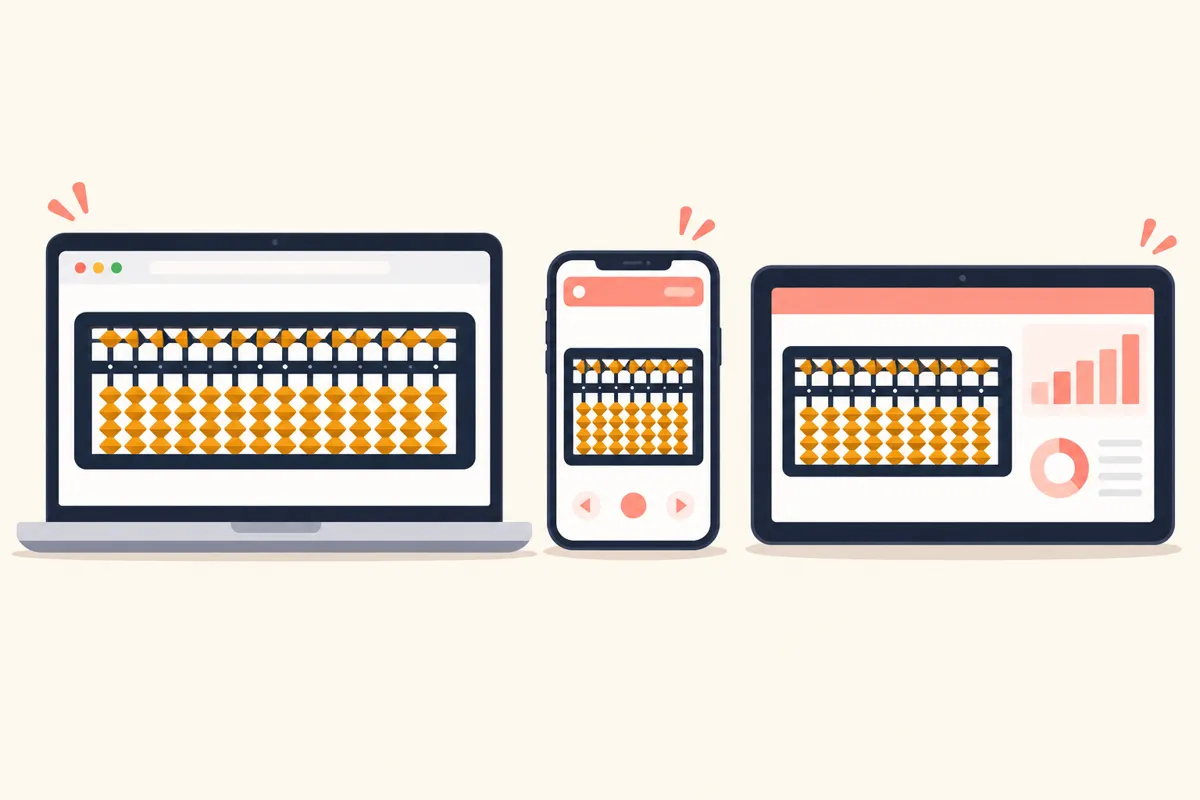
What do institutes need that free tools can't do?
A free tool shows beads. An institute needs to know who moved them, how well, and across every batch.
| Need | Free website | Institute software |
|---|---|---|
| Know which child did the sum | No | Yes |
| Homework answered on the beads | No | Yes |
| Exams with the total hidden and a timer | No | Yes |
| Rods fixed per level | No | Yes |
| Reports per child, batch and teacher | No | Yes |
| Your institute's name and logo | No | Often |
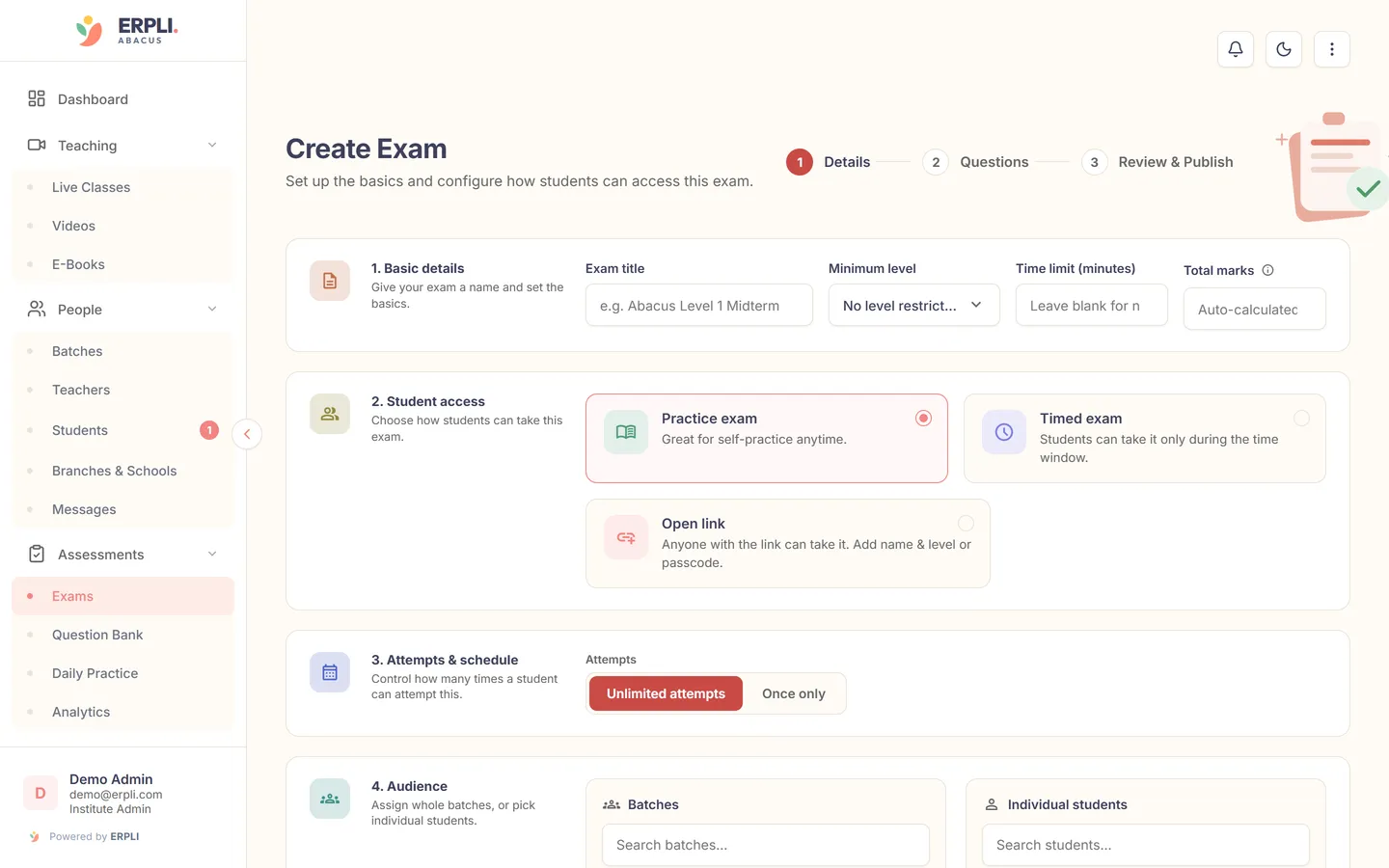
Exams on the beads
Exams should test the method, not just the answer. That means the child sets the answer on the abacus, the total is hidden, and there's a time limit.
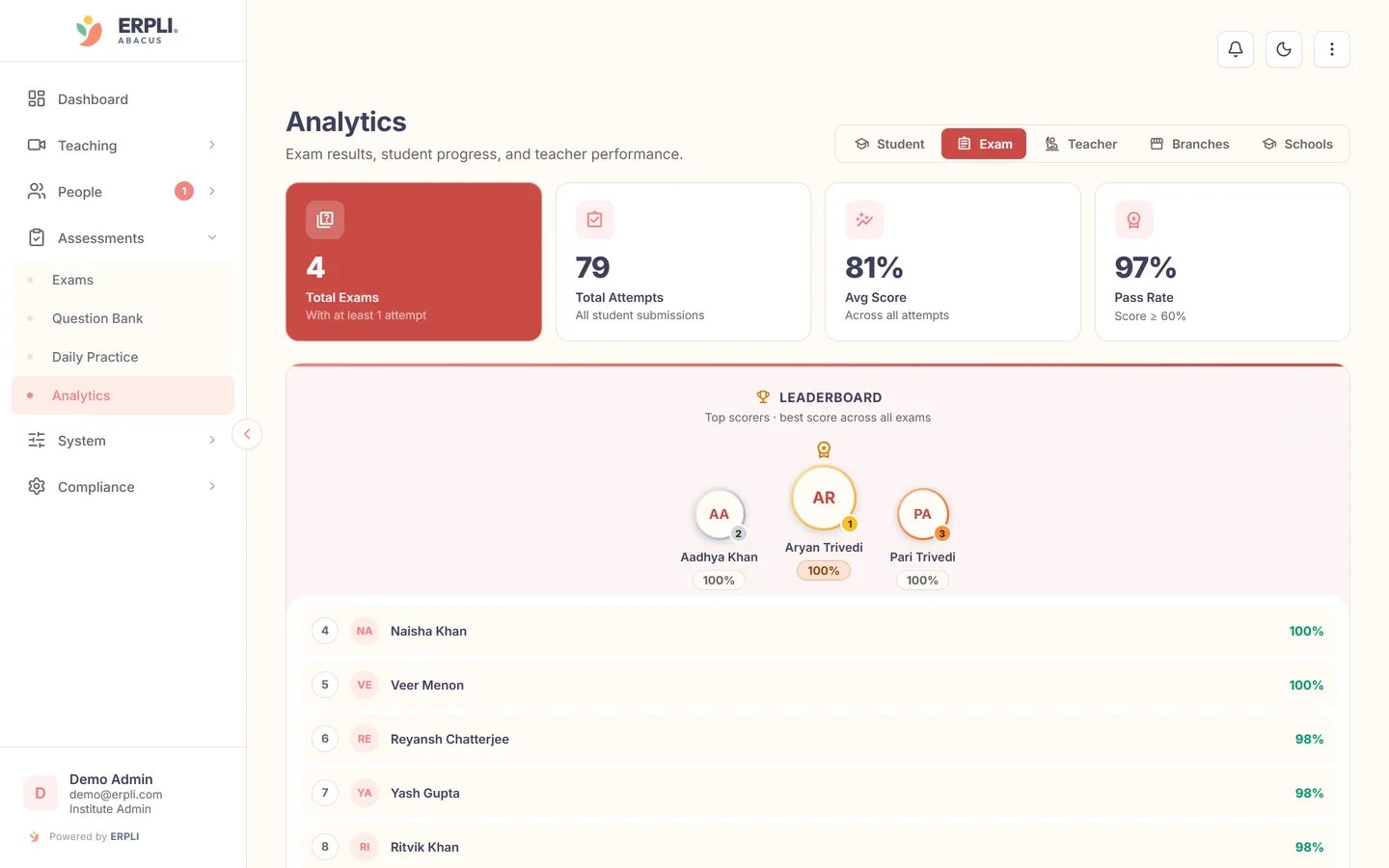
Reports you can act on
Final scores alone don't tell you which rule a child is stuck on. Look for reports by student, batch and teacher.
Your name, not someone else's
If parents see another brand on the abacus, they remember that brand. Software that carries your institute's logo and colours keeps the trust with you.
Questions to ask before you pay for any abacus software
- Can I set different rods for each level?
- Can the total be hidden for homework and exams?
- Is homework answered on the beads, and checked automatically?
- Can I see results by child, batch and teacher?
- Does it work on cheap Android phones?
- Can it carry my institute's name and logo?
- What happens to my student data if I stop using it?
New to the topic? Read what is a digital abacus. Running online batches? See how to teach abacus online.
ERPLI covers questions 1, 2, 3, 4 and 6. Ask any vendor, including us, to show you questions 5 and 7 working before you pay. See ERPLI's exam software or the free abacus itself.
About the author: Kamal Singh Aswal has spent the past year working in the abacus industry with institute founders, school founders and established abacus brands, including Oral Edutech Private Limited, the Madhya Pradesh company behind the Foreign Abacus brand. His work focuses on how institutes use the digital abacus in classes, homework and exams.