ERPLI
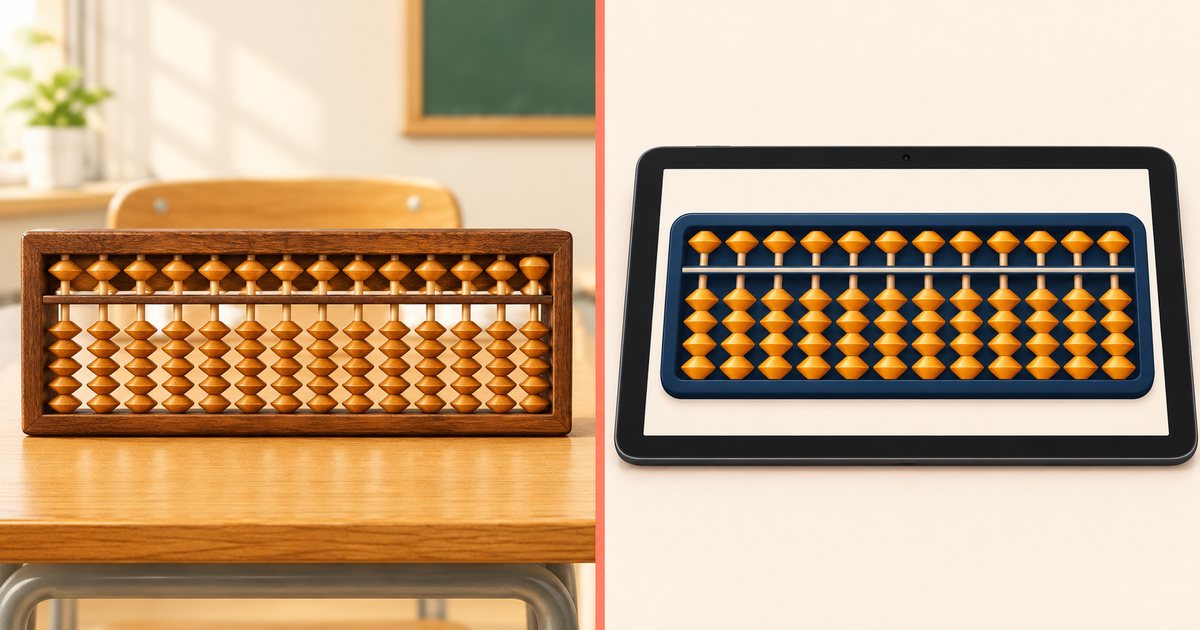
Short answer: Use a physical abacus to teach finger movement. Use a digital abacus for online classes, homework and exams. Most institutes that do well use both, each for its own job.
This is not a "which is better" question. It is a "which job goes where" question. This guide sorts out that split, gives you a level-by-level plan and a 4-week plan to bring a digital abacus into your institute, and gives you honest answers for parents.
If you are new to the digital kind, read what is a digital abacus first.
What does each one do best?
| Job | Better tool | Why |
|---|---|---|
| Learning thumb and index finger movement | Physical | The hand needs real beads to push |
| Very young beginners (around 5 to 7) | Physical | They learn by touch |
| Online classes | Digital | Stays sharp on a shared screen |
| Homework you can check | Digital | Answers are set on the beads and saved |
| Level exams | Digital | Total can be hidden; checking is automatic |
| Long numbers (13 to 17 rods) | Digital | Change rods in one tap |
| No device at home | Physical | Nothing to charge or install |
A simple rule: the wooden abacus trains the hand, the digital abacus checks the work.
Why does the physical abacus still matter?
Because of the hand. On a soroban, the thumb pushes lower beads up and the index finger does everything else. That movement becomes automatic only with practice on a real frame.
Research also suggests the bead picture is what matters most. Skilled mental-abacus users rely on a visual picture of the abacus, not words (Frank & Barner, 2012). A physical frame in early levels helps build that picture through touch and sight together.

Why add a digital abacus at all?
Because most of an institute's problems happen outside class.
- Homework you can't see. A written answer doesn't show if the abacus was used.
- Checking takes hours. Checking 30 frames by eye after every sum is slow.
- Online batches. Teaching over video with a wooden frame doesn't work well.
- Forgotten frames. Practice stops when the abacus is left at the centre.
A digital abacus fixes all four. It doesn't replace your classroom frames.
Which tool at which level?
Change the level numbers to match your own syllabus. The pattern is what matters.
| Level | In class | Homework | Exams |
|---|---|---|---|
| 1–2 | Physical | Physical, or digital with total hidden | Digital, total hidden |
| 3–5 | Physical | Digital | Digital |
| 6 and up | Physical or digital (13–17 rods) | Digital | Digital |
| Online batch | Digital | Digital | Digital |
A 4-week plan to bring in a digital abacus
Don't switch everything on Monday. Bring it in over a month.
Week 1: Teachers only. Each teacher uses the digital abacus to show sums in class. No change for students.
Week 2: One batch tries homework. Pick one Level 3 batch. Give 10 minutes of homework a day on the digital abacus. Watch completion.
Week 3: Tell parents. Send a short message explaining that homework is now answered on the beads and takes 10–15 minutes. Use the answers in the next section.
Week 4: Roll out and test. Move homework for Level 3 and above to digital. Run one practice test on the digital abacus with the total hidden.
What do you tell parents?
Parents usually worry about two things: screens, and whether it's "just a calculator". Answers you can honestly give:
- "The screen doesn't calculate anything. Your child moves every bead."
- "We hide the total during practice, so your child has to read the beads."
- "Your child still uses a real abacus in class."
- "Homework takes 10 to 15 minutes a day."
So what should you do?
Classroom-only institute: keep your frames, add a free digital abacus for homework. Any online batches: you need a digital abacus from the first class; see how to teach abacus online. Schools: see digital abacus for schools and smartboards.
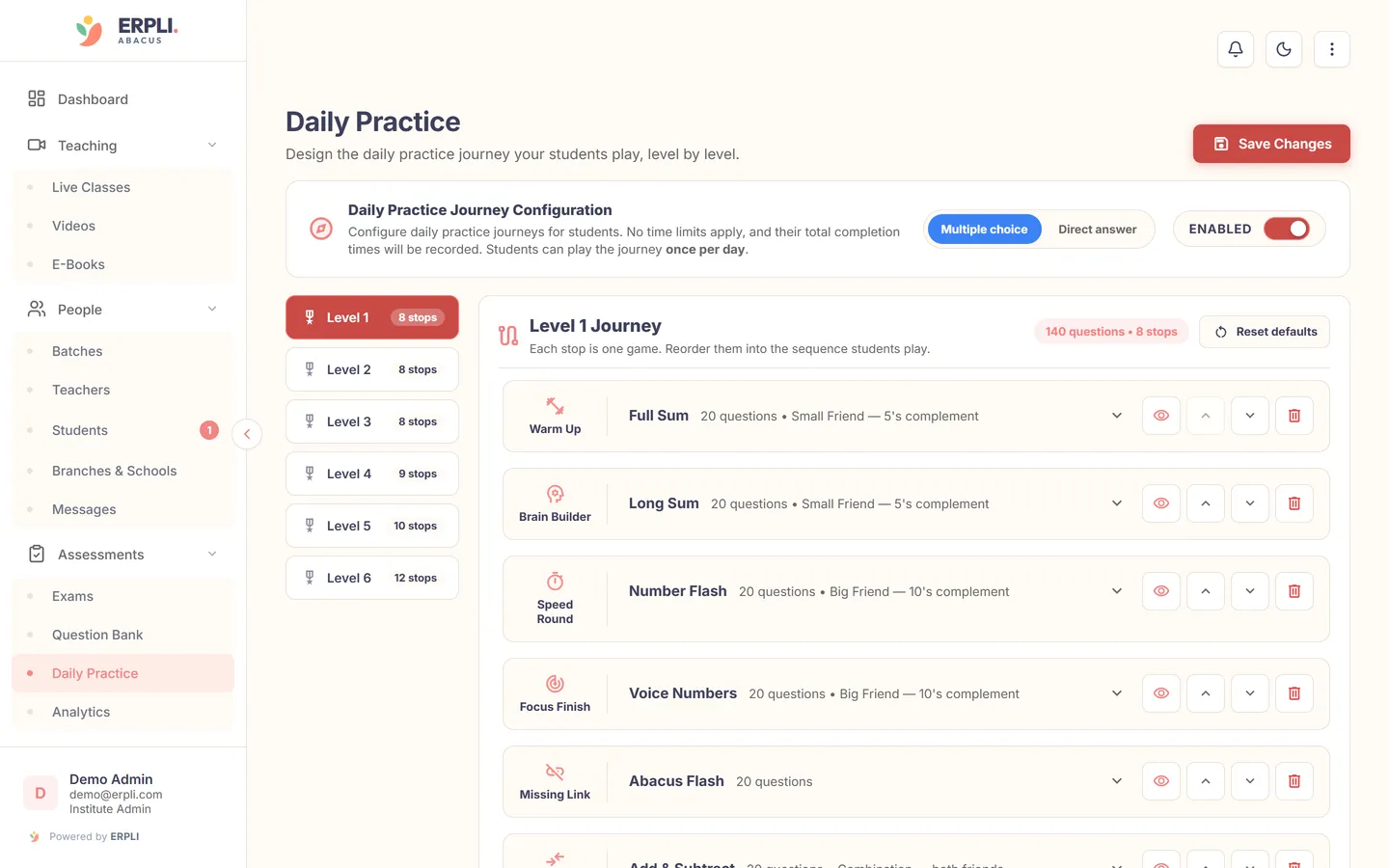
ERPLI is built around this split. Frames stay in the classroom, and homework and level exams run on the digital abacus with the total hidden.
About the author: Kamal Singh Aswal has spent the past year working in the abacus industry with institute founders, school founders and established abacus brands, including Oral Edutech Private Limited, the Madhya Pradesh company behind the Foreign Abacus brand. His work focuses on how institutes use the digital abacus in classes, homework and exams.