ERPLI
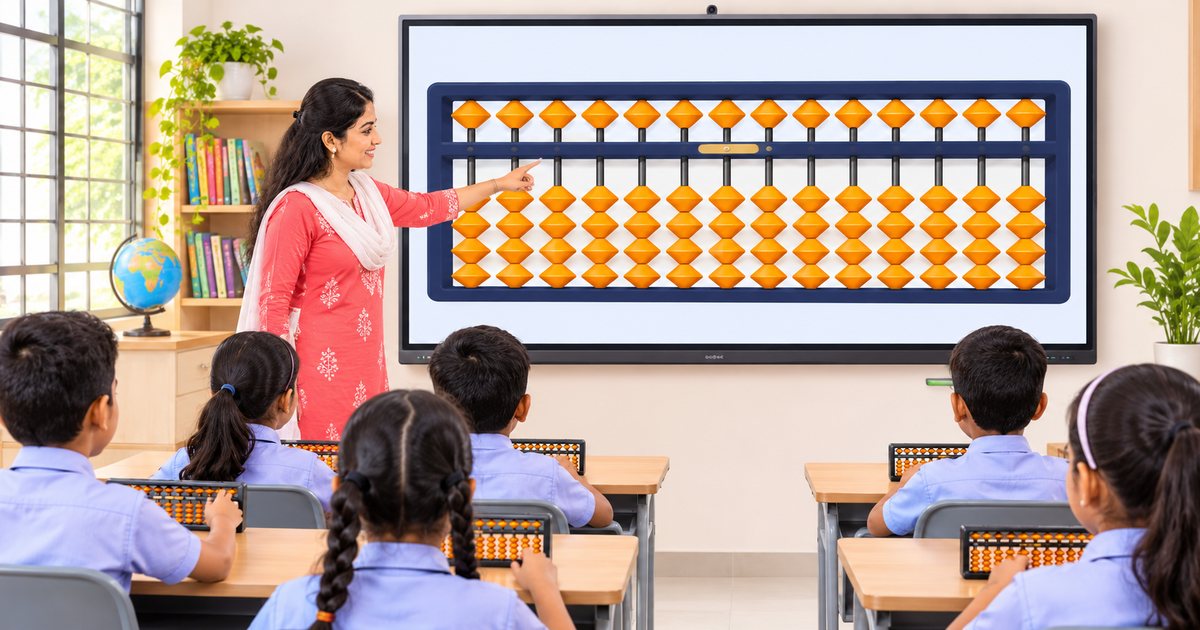
Short answer: Put a digital abacus on the smartboard in full screen, use fewer rods for younger classes, and give every child their own abacus. Then set one syllabus, one homework plan and one test for every section.
This guide is for principals, academic coordinators and abacus teachers who want to run abacus inside the school timetable.
Setting up the smartboard (2 minutes)
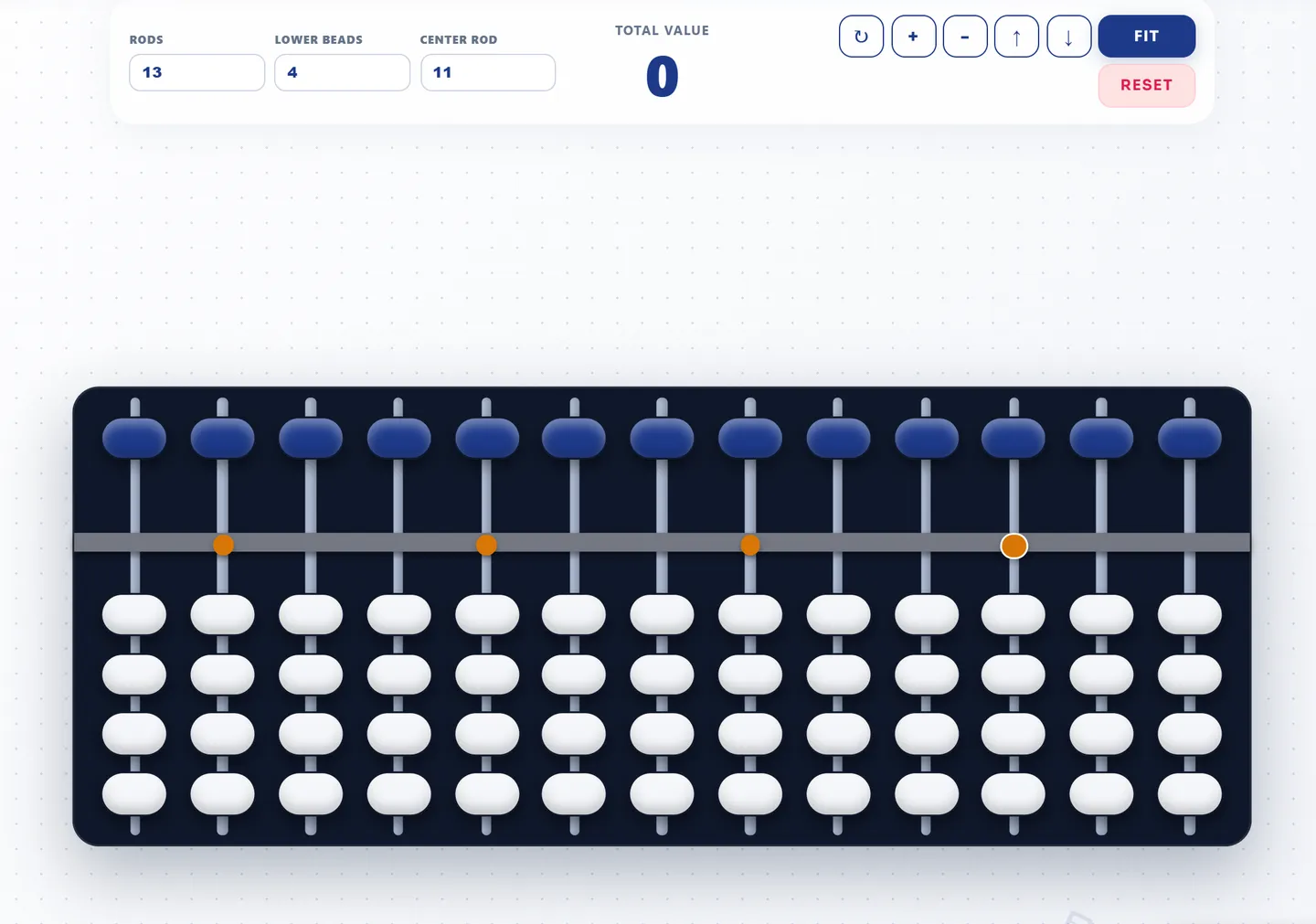
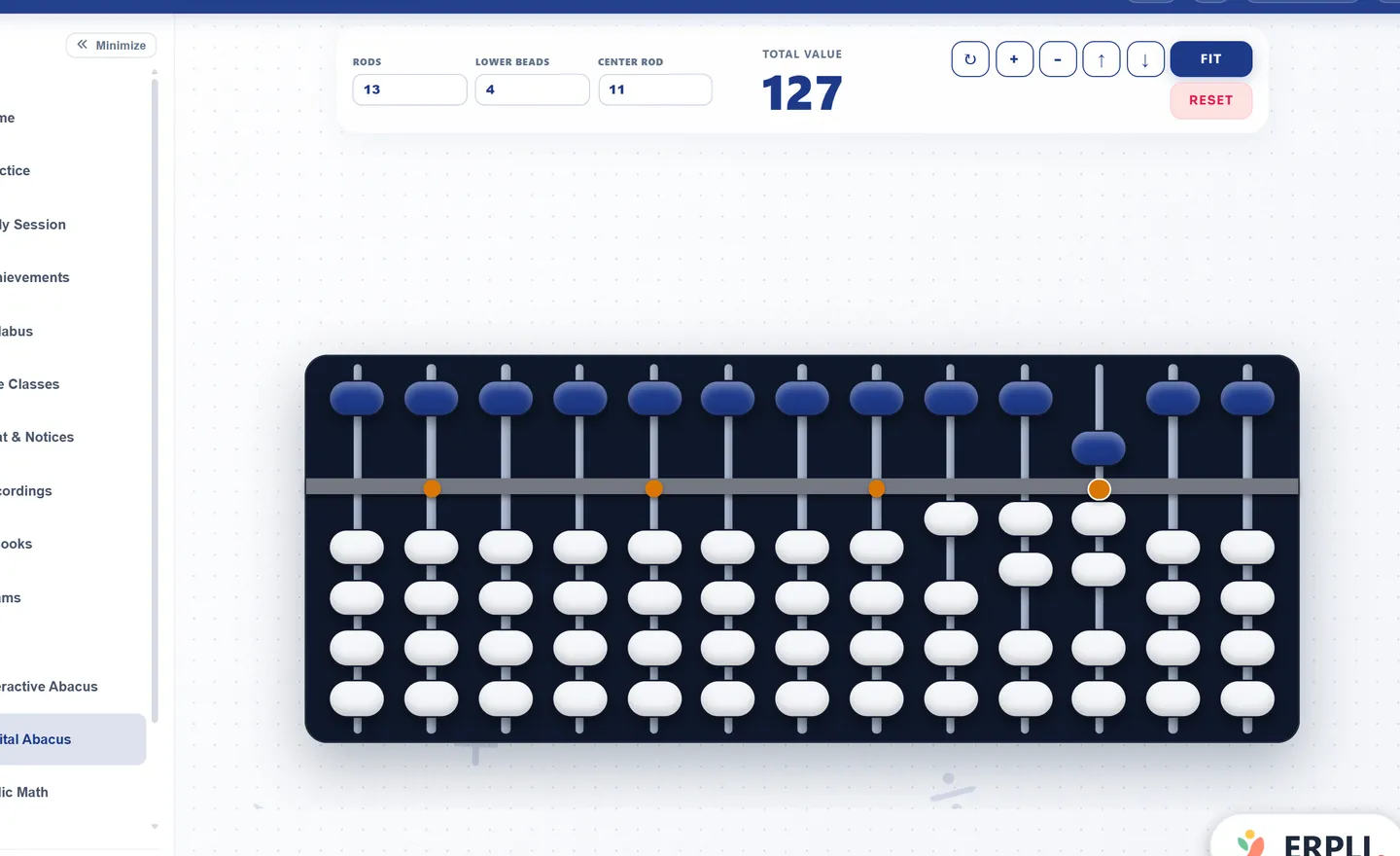
- Open the smartboard browser and go to a free online abacus.
- Choose the number of rods (see below).
- Press full screen.
- Stand at the back row. Can you read every bead?
- Bookmark the page.
Projector without touch? Use a wireless mouse so you can face the class.
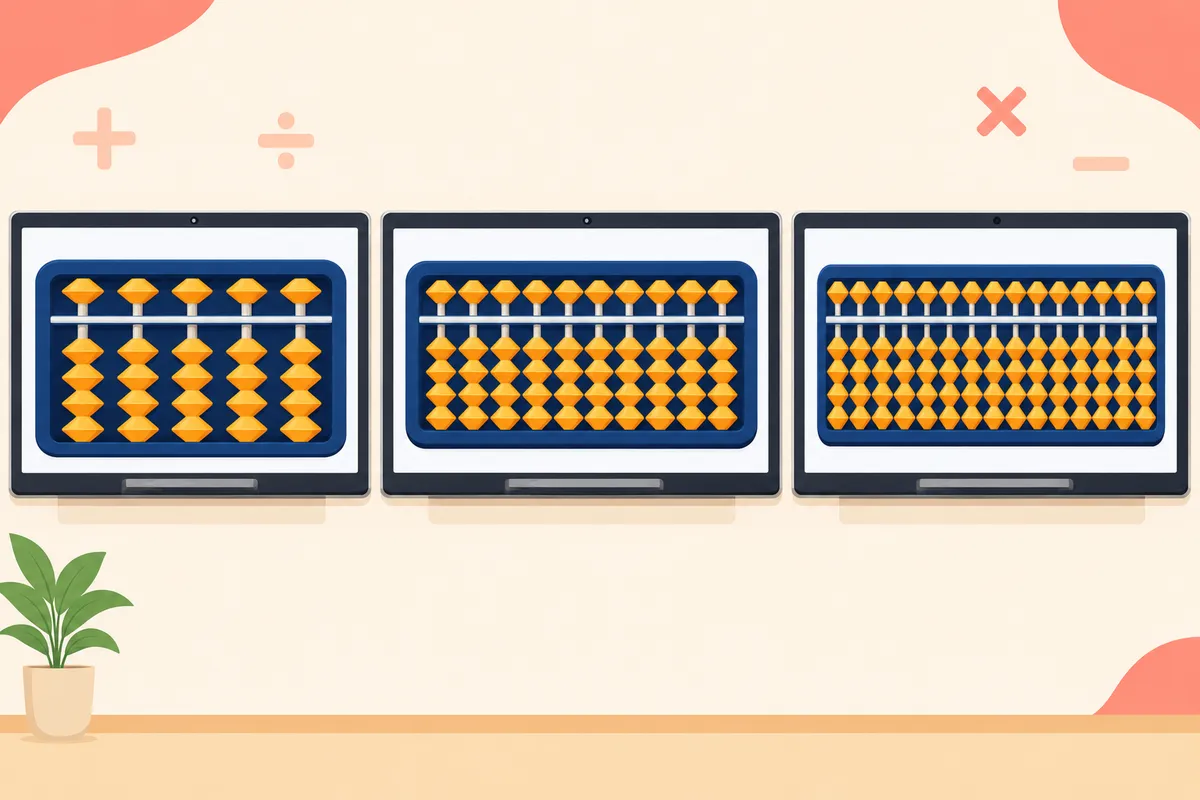
How many rods for each class?
Fewer rods means bigger beads. Use the smallest number that fits the sums.
| Class | Rods | Why |
|---|---|---|
| 1–2 | 5 or 7 | Big beads, small numbers |
| 3–4 | 9 or 13 | Room for carrying |
| 5 and up | 13 or 17 | Long numbers, multiplication, division |
Where does abacus fit in the timetable?
Schools usually pick one of three options.
| Option | How it works | Good when |
|---|---|---|
| Regular period | 1–2 periods a week inside the timetable | Abacus is part of the maths plan |
| Zero period | 30 minutes before first period | Timetable is full |
| After-school club | 2 sessions a week, optional | Starting small, testing interest |
Whatever you pick, add 10 minutes of practice at home on most days. Short daily practice matters more than long weekly classes.
How do you teach abacus to 35–40 children at once?
A school class is bigger than an abacus centre batch. A few habits make it work:
- Show every move on the smartboard. Slowly, three times, saying it out loud.
- Pair children. One solves, one checks the beads, then swap.
- Row monitors. Each row has one child who checks beads during practice.
- Hands up with the abacus. After each sum, everyone holds their abacus up. You scan the room in seconds.
The rules children learn (small friends, big friends and mixed) are listed in abacus formulas.
Does the smartboard replace the children's abacus?
No. Watching doesn't train the hand. Each child needs their own abacus in class. Many schools use a physical abacus in class and a digital one for homework, so nothing needs to go home in the school bag. The full comparison is in digital vs physical abacus.
How do you grade abacus on the report card?
Keep it simple and the same for every section:
- Level reached (for example, Level 2).
- Term test score: a short timed test, answered on the abacus, total hidden.
- Practice record: how many home practice days were completed.
A term-by-term plan for the first year
Term 1: Pilot. One class (often Class 2 or 3), two sections. Train two teachers. Use the smartboard and physical abacuses.
Term 2: Expand. Add the rest of that class and the next one. Start digital homework. Run the first common test.
Term 3: Whole school. All chosen classes. Same syllabus, homework and test for every section. Share results with parents.
Run it yourself or hire a provider?
| School runs it | Outside provider | |
|---|---|---|
| Fees | Stay with the school | Shared |
| Syllabus and name | The school's own | The provider's |
| Teachers | School trains them | Provider sends them |
| Effort to start | More | Less |
If you have teachers who can be trained, running it yourself usually works out better over time. Teachers new to hybrid or online classes can also use how to teach abacus online.
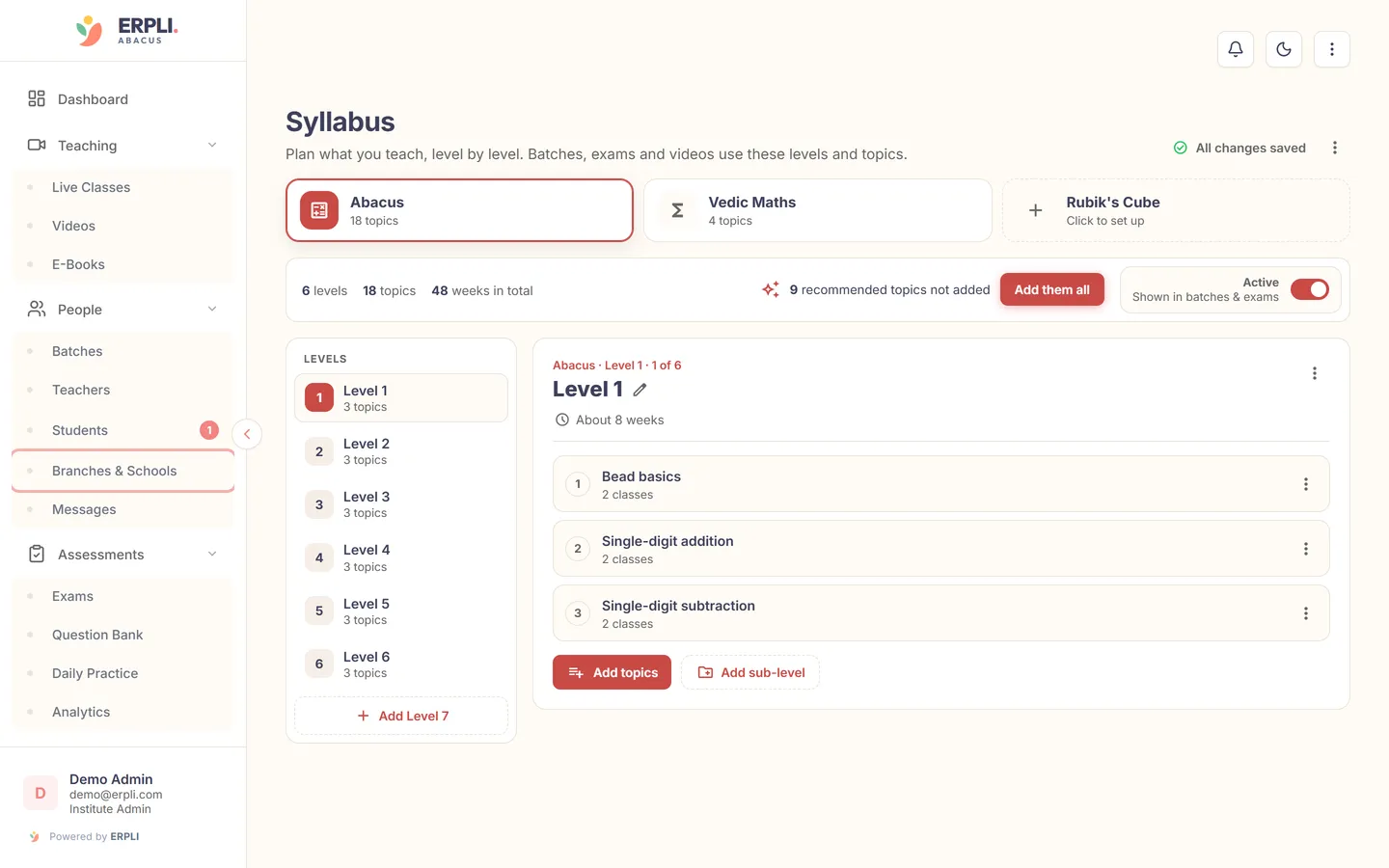
Schools that run abacus themselves use ERPLI to give every section the same syllabus, homework and term test under the school's own name. See ERPLI for schools.
About the author: Kamal Singh Aswal has spent the past year working in the abacus industry with institute founders, school founders and established abacus brands, including Oral Edutech Private Limited, the Madhya Pradesh company behind the Foreign Abacus brand. His work focuses on how institutes use the digital abacus in classes, homework and exams.